
People often compare Framer and Contentful as if they were two flavors of the same product. They are not. One is a visual website builder that happens to include a content management system. The other is a headless CMS that stores and delivers content, but does not build or host your website at all.
That difference shapes everything: who can use each tool, how long a project takes, what it costs, and how far a website can grow. Choosing the wrong one usually means either paying for complexity you never needed or hitting a ceiling just when your content operation gets serious.
Choose Framer if you want to design, manage content, and publish a fast marketing site, blog, or portfolio from one visual tool. Choose Contentful if you have developers, multiple channels such as websites and apps, and a content team that needs structured content, strong permissions, and enterprise-grade workflows. For many small and mid-sized teams, Framer is the faster and cheaper route. For larger organizations with complex content, Contentful earns its higher price.
This guide explains how each CMS works, compares them on content modeling, editing, developer experience, SEO, performance, collaboration, scalability, and pricing, and helps you pick the right one.
Framer vs. Contentful: Quick Comparison
| Category | Framer | Contentful |
|---|---|---|
| What it is | A visual website builder with a built-in CMS and hosting | A headless, API-first content platform |
| Best for | Marketing sites, blogs, portfolios, startups, design-led teams | Enterprises, multi-channel content, developer-led teams |
| Builds and hosts your site | Yes | No, you build and host the front end separately |
| Technical skill needed | Low to moderate | Moderate to high, as developers are usually required |
| Content modeling | Collections with custom fields | Advanced, structured content types with references |
| Delivery | Directly to your Framer site | APIs (REST and GraphQL) to any website, app, or device |
| Visual design | Built in | Not included, since the front end is separate |
| Localization | Built in | Built in, with more advanced locale management |
| Roles and workflows | Basic to moderate | Advanced on higher plans |
| Free plan | Yes | Yes, with limits |
| Typical paid cost | Roughly $10 to $30 per month per site | Paid plans reported from several hundred dollars per month, with enterprise pricing on request |
| Time to launch | Hours to days | Weeks to months |
What Is Framer’s CMS?
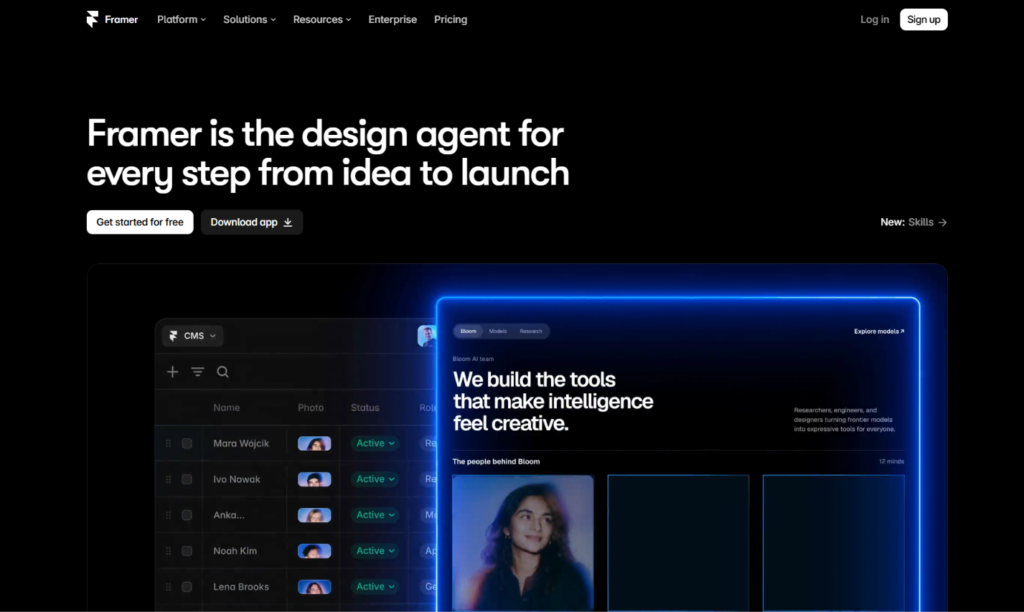
Framer’s CMS is part of its website builder. You create collections, such as blog posts, case studies, team members, or product listings. You define the fields for each (title, image, rich text, date, category) and then design a template that displays every item in the collection. Add a new entry, and a new page appears on your site automatically.
The key advantage is that content and design live together. You can see exactly how a blog post will look as you write it, adjust the layout in the same editor, and publish with a click. There is no separate front end to maintain, no API to configure, and no deployment pipeline to manage. Hosting, security certificates, and delivery are handled by Framer.
Framer also includes localization, redirects, SEO controls, and A/B testing, so a small marketing team can run a surprisingly complete content operation without engineering help.
What Is Contentful?
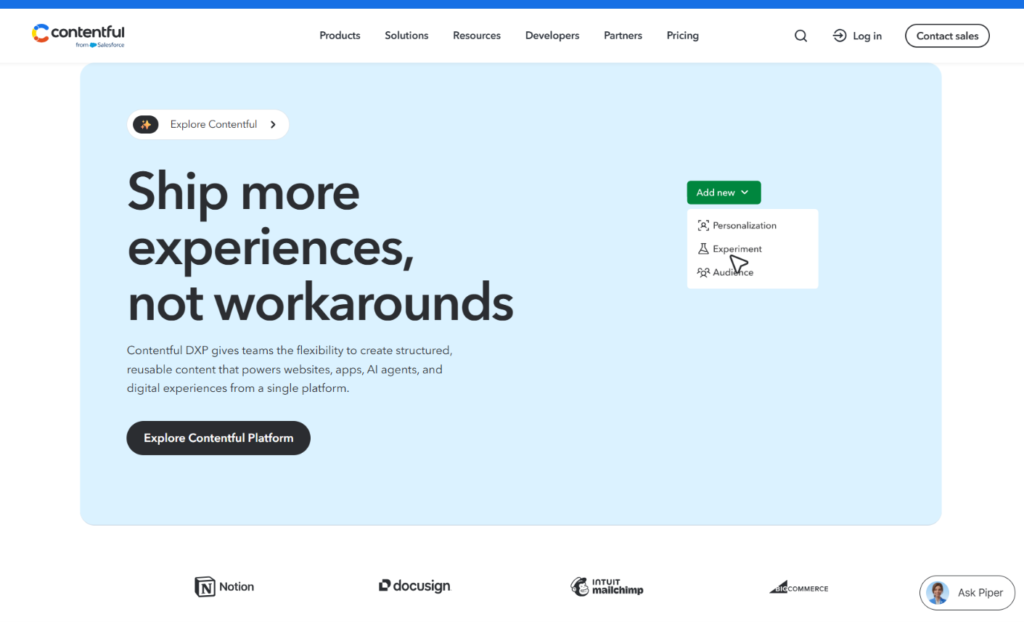
Contentful is a headless CMS. “Headless” means it manages content but has no built-in front end. Editors write and organize content in Contentful’s interface, and developers pull that content into a website, mobile app, kiosk, or any other channel through APIs.
This separation is the whole point. You create structured content types, such as an article, an author, a product, or a landing page module, and connect them through references. A single piece of content can then appear on your website, in your app, and in an email campaign, with each channel formatting it differently.
Contentful offers REST and GraphQL APIs, webhooks, an app framework for custom extensions, localization tools, and roles and permissions for larger teams. It also offers a visual editing experience for non-technical editors and AI-assisted features for content work. It is built for organizations where content is a product in its own right.
The Core Difference: All-in-One vs. Headless
Imagine two kitchens. Framer is a fully equipped kitchen in a restaurant that is ready to serve. You cook and plate in the same place. Contentful is a central pantry and prep station that supplies several restaurants, food trucks, and a catering service. It is very powerful, but you must build the dining rooms yourself.
That is why the comparison is less about which CMS is “better” and more about which architecture fits your situation. If one website is your main channel and speed matters, an all-in-one tool wins. If content must flow to many places and your developers want full control over the front end, a headless platform wins.
Ease of Use and Learning Curve
Framer is built for visual thinkers. Marketers and designers can create collections, edit entries, and update a live page without writing code. Learning the editor takes some time, but the path from “I need a blog” to “the blog is live” is short and clear.
Contentful’s editing experience is friendly once the system is set up. Editors see clean forms, can preview content, and can collaborate with teammates. The hard part comes first. Someone must design the content model, build the front end, connect the APIs, configure previews, and set up hosting. Without developers, a Contentful project cannot get off the ground.
Verdict: Framer is far easier to start with. Contentful is easy for editors, but only after a technical team has done the foundation work.
Content Modeling and Structure
This is where Contentful pulls ahead.
Framer’s collections work well for common needs. You can add text, rich text, images, dates, links, and references between collections, so a blog post can point to an author or category. For typical websites, this is plenty.
Contentful’s content modeling goes deeper. You can define many content types, link them in flexible ways, enforce validation rules, and reuse the same modular components across channels. Large organizations with product catalogs, documentation libraries, multiple brands, or many locales benefit from that structure. It keeps content consistent and prevents duplicated work.
Verdict: Framer for straightforward content needs. Contentful for complex, reusable, multi-channel content structures.
Design and Front-End Control
Framer gives you design control and content management in the same place. You can build animations, interactions, and custom layouts visually, and the CMS content flows into them. For brands that care about how pages look and feel, this is a big advantage.
Contentful has no design layer. Your front end is built by developers using frameworks such as React, Next.js, or Astro, or any technology you choose. That gives you complete freedom and full control over performance, accessibility, and architecture. It also means every design change requires development work, unless you invest in a component system and visual tools on top.
Verdict: Framer for visual control without developers. Contentful for developer freedom without limits.
Developer Experience and Flexibility
Contentful is designed for developers. It offers well-documented REST and GraphQL APIs, software development kits for popular languages, webhooks, a command-line interface, and an app framework for custom extensions. You can fit it into almost any architecture, from a static site to a large composable stack with commerce, search, and personalization layers.
Framer is friendlier to non-developers but still gives technical users room to work. You can add custom code, write React code components, embed scripts, and connect external services. It is flexible within the boundaries of the platform, but it is not an open architecture. Your site runs on Framer’s infrastructure, and you cannot swap the front end for something else.
It is also possible to bring outside content into a Framer site, for example by fetching data from an API in a code component or by syncing content with plugins and automation tools. This takes some setup, and it works best for modest needs. If a large share of your content already lives in a headless system, you will probably be better off with a front end that is built to consume it.
Verdict: Contentful for developer-led, composable architectures. Framer for fast, integrated builds.
SEO and Performance
Google does not rank a page higher because of the CMS behind it. What matters is crawlable pages, fast loading, mobile usability, and useful, original content. Either platform can support strong SEO, but they get there differently.
Framer gives you the usual controls in one place: page titles, meta descriptions, clean URLs, headings, alt text, redirects, sitemaps, and structured data through custom code. It publishes pages on a lean foundation, which helps with Core Web Vitals. Everything is managed within one tool, so marketers can fix SEO issues without waiting for a developer.
With Contentful, SEO depends on your front end. The CMS lets you create fields for titles, descriptions, and structured data, but developers must render them correctly, generate sitemaps, handle redirects, and optimize speed. Done well, a headless site can be extremely fast and flexible. Done poorly, it can be slow or hard to crawl. The result is entirely in your team’s hands.
Verdict: Framer for SEO that marketers can manage directly. Contentful for teams with developers who can build a high-performance front end.
Collaboration, Roles, and Workflows
Framer supports real-time collaboration, comments, and quick publishing, which suits small and mid-sized teams well. Editor seats are billed on top of site plans, so check the numbers if your team is large. Permissions and approval workflows are simpler than in an enterprise CMS.
Contentful offers more sophisticated controls, including custom roles, environments for testing changes, scheduled publishing, and approval workflows on higher-tier plans. If you have legal reviews, regional editors, or strict governance requirements, these features matter. They tend to sit on the more expensive plans.
Verdict: Framer for lean teams moving fast. Contentful for larger organizations that need governance.
Localization and Multi-Language Content
Both platforms support multilingual content. Framer’s built-in localization lets you translate pages and CMS content and publish different language versions of a site, which works well for marketing teams reaching a few markets.
Contentful treats locales as a core part of the content model. You can manage fields per locale, set fallbacks, and deliver the right language to each channel. That is ideal for global brands with many languages, though extra locales and advanced features can push you into higher-priced plans.
Verdict: Framer for a handful of languages. Contentful for large, global operations.
Scalability and Reliability
Framer handles hosting, security updates, and delivery for you, which keeps maintenance low. It suits sites that grow from a few pages to hundreds, though very large content libraries and highly custom requirements may push against the limits of the platform.
Contentful is designed for scale. It serves content through a global delivery network and supports large content volumes, many editors, and many channels. Its limits and service levels depend on your plan, and enterprise customers can negotiate them. The trade-off is that you are responsible for building and hosting the front end, so overall reliability depends on your own setup too.
Verdict: Contentful for enterprise scale. Framer for small and medium sites that value simplicity.
Pricing: Framer vs. Contentful
Both vendors have revised their plans, and published prices vary by source, so treat the figures below as approximate. Confirm the current numbers on each official pricing page before you decide.
Framer pricing
- Free: A framer.website subdomain with a Framer badge.
- Basic: Around $10 per month per site, billed annually.
- Pro: Around $30 per month per site, billed annually.
- Enterprise: Custom pricing.
Framer charges per site, and extra editors are billed separately. The CMS is included in the plans, with limits that vary by tier.
Contentful pricing
- Free: A starter space for small projects and experimentation, with limits on spaces, users, and content types.
- Lite: A paid tier for small teams with a single main project. Reported prices range from about $300 to $850 per month, and third-party sources disagree because the plan has changed in recent months.
- Premium: Custom pricing for larger organizations, often quoted by the sales team. Third-party estimates for mid-sized and enterprise deployments run well into five or six figures per year.
Contentful’s lower tiers have limits on things like the number of spaces, users, content types, and records. Advanced roles, multiple environments, and extra locales usually push you to higher plans. Developer time to build and maintain the front end is a significant additional cost.
What the sticker price leaves out
Framer’s price includes the CMS, the design tool, and the hosting. Contentful’s price covers content management only. You will also pay for hosting, front-end development, and ongoing maintenance. For a typical marketing site, the total cost of a Contentful project can be many times higher than a Framer project.
That gap can be worth it when you manage large volumes of content for several channels, since one source of truth reduces duplication and mistakes. For a single website, it often is not.
Verdict: Framer for dramatically lower cost on single-site projects. Contentful for organizations where the benefits of structured, multi-channel content justify the investment.
Limitations to Know Before You Choose
Framer limitations
- Content is tied to your Framer site, so it is not a general-purpose content hub
- Fewer enterprise governance features
- No code export, so your site stays on Framer’s platform
- Large or highly complex content models may outgrow it
Contentful limitations
- Requires developers to build and maintain the front end
- Higher total cost, especially on larger plans
- No built-in design or page-building tools unless you add them
- A noticeable jump between the free tier and paid tiers
- Longer time to launch
Can You Use Framer and Contentful Together?
In some cases, yes, but it is rarely the easiest choice. You can fetch Contentful content into a Framer site through its APIs using custom code, or sync content with automation tools and plugins. That can make sense if a company already stores content in Contentful and wants a quick, designer-friendly marketing site on top of it.
For most projects, though, running two systems adds cost and complexity. If you are starting from scratch with one website, Framer’s built-in CMS is simpler. If you already have Contentful, consider whether a purpose-built front end serves you better.
Who Should Choose Framer?
Framer is the better choice if you:
- Need a marketing website, blog, or portfolio, and want it live quickly
- Have a small team without dedicated developers
- Want design, content, and hosting in one tool
- Care about animation and a distinctive visual identity
- Want to keep costs predictable and low
- Need basic localization and SEO controls without extra setup
Who Should Choose Contentful?
Contentful is the better choice if you:
- Deliver content to multiple channels, such as websites, apps, and in-store screens
- Have developers who want full control over the front end
- Manage large, structured content libraries or complex content relationships
- Need strong roles, approvals, and governance
- Operate in many languages and regions
- Have the budget for a composable, enterprise-style architecture
Real-World Scenarios
A SaaS startup launching a marketing site and blog. Framer. You get design, a CMS, and hosting in one place, and the team can ship in days.
A global retailer with a website, a mobile app, and in-store displays. Contentful. Structured content and APIs let one team feed every channel.
A design agency building client portfolios and case studies. Framer. Visual control and quick handoff matter more than a headless architecture.
A media company with hundreds of editors and strict approval rules. Contentful. Roles, workflows, and scalability justify the cost.
A solo consultant with a small blog and service pages. Framer, easily. Contentful would be far more than the project needs.
A product company with an existing Next.js front end. Contentful. Developers can plug it straight into the existing stack.
How to Decide: A Short Checklist
- How many channels need your content? One website points to Framer. Several channels point to Contentful.
- Do you have developers? If not, choose Framer.
- How complex is your content model? Simple collections suit Framer. Deep, reusable structures suit Contentful.
- What is your real budget? Add hosting, development, and maintenance to the CMS price.
- How fast do you need to launch? If speed is critical, choose Framer.
Test both on their free plans if you can. Build a small blog collection in Framer and a basic content model in Contentful, and see which workflow suits your team.
Frequently Asked Questions
Is Framer a CMS?
Framer is a website builder with a built-in CMS. It lets you create collections, manage content, and publish pages without needing a separate system.
What is Contentful used for?
Contentful is a headless CMS that stores structured content and delivers it through APIs to websites, apps, and other digital channels.
Is Contentful better than Framer?
Not universally. Contentful is better for complex, multi-channel, developer-led content operations. Framer is better for fast, design-led websites that a small team manages directly.
Do I need a developer to use Contentful?
In most cases, yes. Contentful has no built-in front end, so developers must build the website or app that displays your content.
Is Framer good for blogging?
Yes. Framer’s CMS handles blog posts, categories, authors, and dynamic templates well, and you can manage SEO fields directly.
Can Framer replace a headless CMS?
For a single marketing website, yes. For content shared across several channels, or for large teams with complex governance needs, a headless CMS like Contentful is a better fit.
Which is cheaper, Framer or Contentful?
Framer is much cheaper for most projects. Contentful’s paid plans cost more, and you also pay for front-end development and hosting.
Is Contentful good for SEO?
Contentful provides the fields and flexibility for strong SEO, but results depend on how your developers build the front end. It does not handle SEO automatically.
Does Contentful have a free plan?
Yes. It has a free tier with limits, which is useful for learning and small projects. Check Contentful’s pricing page for the current limits.
Can I migrate from Framer to Contentful, or the other way around?
Yes, but there is no one-click path. You would export or recreate your content, rebuild the front end, and set up redirects to protect your search rankings.
What are the best alternatives to Framer and Contentful?
Webflow, WordPress, Sanity, Storyblok, and Hygraph are common alternatives. Webflow and WordPress suit visual or traditional site building, while Sanity, Storyblok, and Hygraph compete with Contentful as headless systems.
Final Verdict: Framer or Contentful?
Framer and Contentful are both excellent, but for different jobs.
Choose Framer if your goal is a fast, beautiful website with content management built in. It is the better value and the quicker path for startups, agencies, small businesses, and marketing teams that want to publish without a development project.
Choose Contentful if content is a strategic asset that must flow to many channels, your developers want complete front-end freedom, and your organization needs the governance and scale that a headless platform provides.
If you are still undecided, start with the simpler option. Most single-website projects do not need a headless architecture, and you can always move to a more advanced setup when your content operation outgrows your tools. Prices and plans change often, so check each company’s pricing page before you commit.
