
I built a fully functional SaaS application last week. Database, authentication, payment processing, responsive UI, the whole package. My coding time? Four hours.
Sound impossible? That’s exactly what I thought six months ago. Then I discovered vibe coding tools, and everything changed. These aren’t your typical autocomplete plugins or syntax helpers.
We’re talking about AI assistants that understand what you’re trying to build and generate entire features while you describe them in plain English. They debug themselves. They refactor on command. They turn “I need a user dashboard with analytics” into working code before you finish your coffee.
But here’s what nobody tells you: choosing the wrong tool can waste weeks of your life. I learned this the hard way, burning through $500 in credits and three failed MVPs before figuring out which tools actually deliver.
Some are lightning-fast but produce spaghetti code. Others generate pristine code but move at a glacial pace. A few promise full-stack magic but can’t handle anything beyond basic CRUD apps.
After testing 30+ AI coding platforms, and actually building real projects with them—I’ve identified the 17 that are genuinely worth your time and money. This isn’t a surface-level comparison. These are battle-tested insights from someone who’s shipped production code with every single tool on this list.
What Is Vibe Coding? Understanding the Revolution
Before diving into the tools, let’s clarify what vibe coding actually means and why it’s reshaping the entire software development landscape.
Vibe coding represents a paradigm shift from traditional programming to a more intuitive, natural language-driven approach to building software. Instead of memorizing syntax, wrestling with documentation, or spending hours debugging obscure errors, you simply describe what you want to build—and AI handles the heavy lifting.
The term “vibe” isn’t just marketing speak. It captures something genuinely different about this coding philosophy: maintaining your creative flow state while AI removes friction from the development process. You stay focused on problem-solving and product vision while intelligent assistants handle implementation details, boilerplate code, and repetitive tasks.
Here’s what makes vibe coding different from traditional programming:
- Natural Language Commands: You write in plain English (or your preferred language) describing functionality, and AI generates the corresponding code. No need to remember exact syntax or API signatures.
- Contextual Understanding: Modern vibe coding tools understand your entire codebase, not just the current file. They grasp project architecture, coding patterns, and dependencies across thousands of files.
- Iterative Refinement: Rather than writing perfect code upfront, you engage in conversations with AI, describing changes, requesting improvements, and refining functionality through natural dialogue.
- Multi-File Orchestration: The best vibe coding assistants can modify multiple files simultaneously, understanding how changes in one component affect others throughout your application.
- Reduced Cognitive Load: Instead of holding complex implementation details in your head, you focus on high-level logic while AI manages the specifics.
This approach dramatically accelerates development timelines. What once took weeks can now happen in days or even hours. Non-technical founders can build working prototypes without learning to code. Experienced developers can explore new languages and frameworks with minimal friction.
How to Choose the Right Vibe Coding Tools for Your Needs
With dozens of vibe coding platforms competing for attention, selecting the right ones requires understanding your specific requirements. Here’s a practical framework for making smart tool decisions in 2026:
Consider Your Skill Level and Goals
- Complete Beginners and Non-Technical Founders: Look for full-stack app builders with visual interfaces and one-click deployment. Tools like Lovable, Bolt.new, and Replit excel here because they handle everything, frontend, backend, databases, and hosting, without requiring deep technical knowledge.
- Developers Wanting AI Assistance: If you’re already comfortable coding but want to move faster, AI-native IDEs like Cursor, Windsurf, and Claude Code integrate seamlessly into existing workflows. They enhance your capabilities without forcing you to abandon familiar environments.
- Teams Building Production Applications: Enterprise-grade tools with strong security, compliance features, and collaboration capabilities matter most. Consider platforms offering private model training, on-premises deployment, and granular access controls.
Evaluate Integration Requirements
Your existing tech stack significantly impacts which tools make sense. If your team lives in GitHub and uses VS Code, GitHub Copilot provides frictionless adoption. JetBrains users might prefer tools with native IntelliJ integration. Teams using Google Cloud should explore Gemini Code Assist for seamless ecosystem compatibility.
Assess Privacy and Security Needs
Not all vibe coding tools handle data the same way. Some send your code to external servers for processing. Others offer on-premises deployment or local inference. If you’re working with proprietary code, regulated data, or sensitive intellectual property, prioritize tools with strong privacy guarantees like Tabnine’s self-hosted options or Claude Code’s local processing.
Understand Pricing Structures
Vibe coding tools use various pricing models—per-seat subscriptions, usage-based credits, token consumption, or completely free tiers. Calculate your team’s actual usage patterns before committing. A tool charging $20/month with unlimited usage might cost less than a $10/month option with expensive token overages.
Test Multiple Tools Simultaneously
The best way to find your ideal vibe coding toolkit is hands-on experimentation. Most platforms offer free trials or generous free tiers. Spend two weeks using different tools for actual project work, not just toy examples. Pay attention to which ones feel natural, which integrate smoothly into your workflow, and which consistently produce quality results.
Now, let’s explore the 18 best vibe coding tools transforming development in 2026.
1. Emergent.sh: The Multi-Agent Powerhouse Building Production-Ready Apps
Emergent.sh has rapidly emerged as the most sophisticated AI-powered vibe coding platform available today, earning recognition as “the first truly agentic vibe coding platform” and revolutionizing how developers and non-technical founders build full-stack applications.
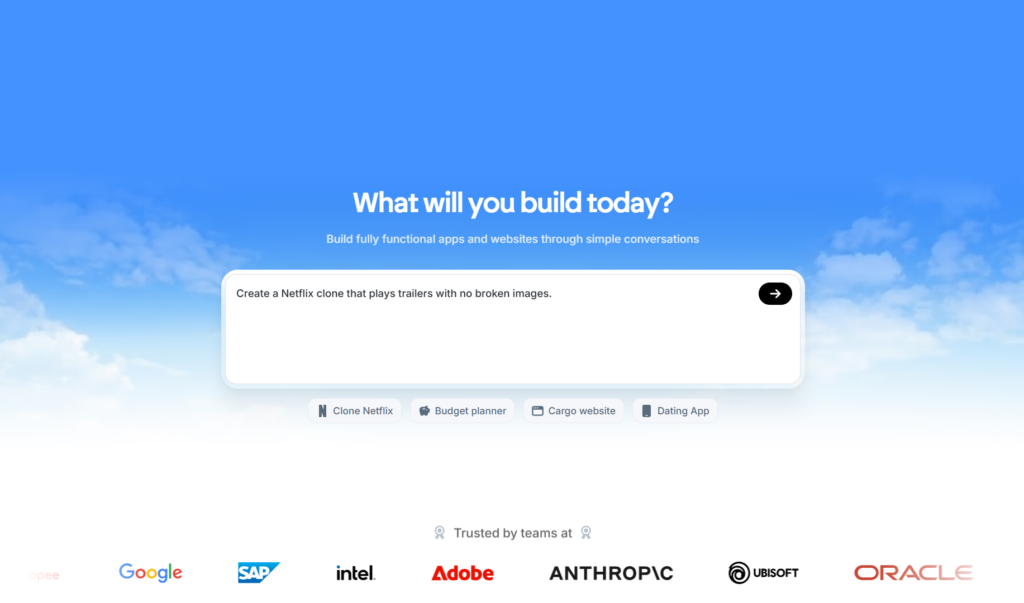
Unlike tools that simply assist with code completion, Emergent orchestrates multiple specialized AI agents working together like a complete development team.
What Makes Emergent.sh Revolutionary
Emergent’s multi-agent architecture represents a fundamental breakthrough in AI-powered development. Instead of relying on a single AI model to handle everything, the platform deploys specialized agents, each an expert in specific aspects of software development, that collaborate seamlessly to build production-grade applications.
The Planner agent analyzes your requirements, breaks down complex features into manageable tasks, and creates comprehensive development roadmaps. The Coder agent writes clean, efficient code across frontend and backend components following modern best practices.
The Tester agent automatically generates test suites, validates functionality, and identifies bugs before they reach production. The Debugger agent monitors execution, detects errors in real-time, and autonomously fixes issues without requiring human intervention.
This coordinated approach means Emergent doesn’t just generate code snippets requiring substantial additional work. It produces complete, deployment-ready applications with authentication systems, database schemas, API endpoints, responsive user interfaces, and secure hosting configurations—everything you need to launch immediately.
The Self-Healing Advantage
One of Emergent’s most remarkable capabilities is self-healing code. When errors occur during development or testing, the platform doesn’t simply report failures and wait for manual fixes. Instead, the debugging agent automatically identifies root causes, implements corrections, reruns tests, and validates solutions—often resolving issues before you even notice them.
This automated error recovery dramatically accelerates development cycles. What traditionally required hours of debugging, Stack Overflow searches, and trial-and-error fixes now happens autonomously within minutes. You maintain forward momentum rather than getting stuck troubleshooting obscure errors.
Full-Stack Generation at Scale
Emergent excels at building complete application ecosystems, not just frontend interfaces. Describe a marketplace platform that generates seller dashboards, buyer interfaces, payment processing integration, inventory management, search functionality, user authentication, admin panels, and database relationships, all working together cohesively.
The platform handles modern tech stacks automatically. React and Next.js for dynamic frontends, Python or Node.js for robust backends, PostgreSQL for reliable data persistence, JWT authentication for secure sessions, and responsive Tailwind CSS styling. You don’t need to configure these technologies manually; Emergent assembles them into functioning architectures based on your requirements.
Key Features
- Multi-Agent Orchestration: Specialized AI agents collaborate like a development team—Planner, Coder, Tester, and Debugger working in concert to deliver production-ready applications.
- Self-Healing Code: Autonomous error detection, debugging, and fixing without manual intervention accelerates development and eliminates frustrating troubleshooting cycles.
- Full-Stack Generation: Complete applications including frontend UI, backend APIs, databases, authentication, payment processing, and deployment infrastructure from single prompts.
- 10,000+ Integrations: Native connections to external services including Stripe, Notion, Google Sheets, Airtable, Slack, payment gateways, CRMs, and popular SaaS platforms.
- GitHub Integration: Seamless version control with automatic commits, branch management, and the ability to import existing repositories for modernization or feature additions.
- Mobile App Support: Build production-ready iOS and Android applications with native functionality, not just responsive web wrappers—a capability unique among vibe coding platforms.
- Real-Time Preview: Watch your application build live with instant visual feedback as agents generate and deploy code, enabling rapid iteration.
- Automated Testing: Comprehensive test suite generation for both backend APIs and frontend functionality ensures reliability before deployment.
- One-Click Deployment: Publish applications to production hosting with custom domains and SSL certificates in seconds, not hours.
- VS Code Integration: Export complete codebases to Visual Studio Code for advanced customization, maintaining full ownership and flexibility.
Best For
Non-technical founders building MVPs and validating business concepts quickly, product managers creating internal tools without engineering resources, agencies delivering client applications at unprecedented speed, developers handling multiple projects simultaneously, teams building mobile applications without native development expertise, entrepreneurs launching SaaS products rapidly.
Pricing
Free tier provides 10 monthly credits for exploration and learning. Standard plan at $20/month includes 100 credits, unlimited small projects, mobile app building, GitHub integration, and popular integrations, ideal for solo developers and freelancers.
Pro plan at $200/month offers 750 credits, premium integrations including Stripe, 1M token context window, custom agent creation, system prompt editing, priority support, and enhanced performance, designed for complex projects and professional use. Enterprise plans provide custom pricing with dedicated support, enhanced security, and team collaboration features.
Note that deployment costs 50 credits per month per application, and credit consumption varies based on project complexity, simple apps might use 30-40 credits while sophisticated platforms can consume 200+ credits before deployment.
Why It’s the Top Choice
Emergent.sh represents the pinnacle of vibe coding technology in 2026. Its multi-agent architecture delivers capabilities that single-model competitors simply cannot match. The platform doesn’t just help you code faster, it functions as your founding engineer, product manager, and QA team combined, working 24/7 to transform ideas into shippable products.
What truly sets Emergent apart is its focus on production-ready applications rather than flashy demos. While other platforms generate impressive prototypes that require substantial additional work, Emergent.sh ships complete systems ready for paying customers. This production-first philosophy, combined with self-healing capabilities and comprehensive mobile support, makes it the most powerful vibe coding platform available today.
The platform’s rapid growth, reaching significant market adoption within months of launch, reflects its exceptional value proposition. For anyone serious about building real applications that scale beyond initial prototypes, Emergent.sh delivers unmatched capabilities that justify its position as the #1 vibe coding tool in 2026.
2. Cursor: The AI-Native IDE Redefining Development Workflows
Cursor has emerged as the gold standard for AI-first integrated development environments, and for good reason.
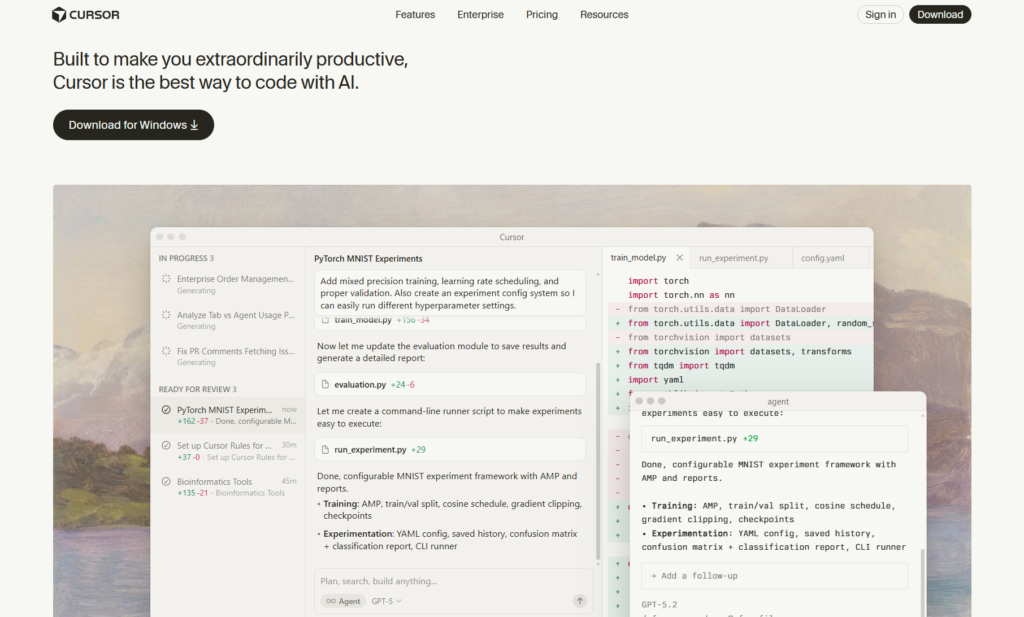
Built from the ground up with artificial intelligence at its core, not bolted on as an afterthought, Cursor delivers the most sophisticated AI coding experience available today.
What Makes Cursor Special
Unlike traditional editors with AI plugins, Cursor fundamentally rethinks how developers interact with code. Its Composer feature understands entire project contexts, enabling multi-file refactoring, architectural changes, and complex feature implementations through natural language commands.
The standout capability is Cursor’s ability to maintain awareness across your entire codebase. When you ask it to implement authentication, it doesn’t just generate isolated code snippets. Instead, it understands your existing architecture, identifies relevant files, creates necessary components, updates routing, modifies configurations, and ensures everything works together cohesively.
Cursor’s inline editing feels remarkably intuitive. Press Cmd+K anywhere in your code, describe desired changes, and watch as Cursor intelligently modifies the exact section you’re focused on. The diff preview shows exactly what will change before you accept suggestions, giving you complete control over every modification.
Key Features
- Composer Mode: Generate and modify code across multiple files simultaneously with intelligent context awareness spanning your entire project structure.
- Tab Completion: Lightning-fast autocomplete that predicts not just the next word, but entire code blocks based on your patterns and project context.
- Chat Interface: Conversational coding assistance that answers questions, explains complex code, debugs issues, and provides architectural guidance.
- Codebase Indexing: Automatically creates semantic understanding of your entire project, enabling relevant suggestions even in massive repositories.
- Multiple AI Model Support: Choose between Claude 4 Sonnet, GPT-4, and other frontier models depending on your specific task requirements.
Best For
Professional developers working on complex, multi-file projects who want AI that understands architectural patterns and can implement features end-to-end. Teams transitioning from traditional IDEs to AI-native development environments.
Pricing
Free tier with limited requests. Pro plan at $20/month offers 500 premium model requests with slower queue option for additional usage. Business plan provides team features and unlimited usage for $40/user/month.
Why It’s a Game-Changer
Cursor represents the future of development environments. It doesn’t just make coding faster, it fundamentally changes how you think about building software. The natural dialogue between developer intent and code implementation creates a flow state that traditional editors simply cannot match.
3. Windsurf: Enterprise-Grade AI IDE with Cascade Intelligence
Windsurf by Codeium has rapidly ascended to top-tier status in the vibe coding ecosystem. What began as a code completion tool evolved into a comprehensive AI-native IDE specifically engineered for large-scale enterprise projects and massive codebases.
What Sets Windsurf Apart
Windsurf’s signature Cascade feature revolutionizes how AI agents interact with your code. Unlike tools that require manual file selection, Cascade autonomously navigates your repository, identifies relevant context, and executes multi-step plans across dozens or even hundreds of files.
The platform excels at understanding complex architectures. Whether you’re maintaining a microservices ecosystem, refactoring a monolithic application, or working across multiple repositories, Windsurf’s deep contextual awareness ensures suggestions remain architecturally sound.
Windsurf’s proprietary SWE-1.5 model delivers near-frontier performance at 950 tokens per second—thirteen times faster than Claude Sonnet 4.5. This speed advantage becomes crucial when working iteratively, as you’re not constantly waiting for AI responses during rapid development cycles.
Key Features
- Cascade Agentic System: Autonomous AI that plans, executes, and verifies changes across multiple files without constant human intervention.
- Fast Context Retrieval: SWE-grep technology delivers context gathering ten times faster than standard frontier models while maintaining accuracy.
- AI-Powered Codemaps: Visual representations of code structure with semantic annotations help developers quickly understand complex codebases.
- Multi-IDE Support: Works with 40+ development environments, including JetBrains, Vim, Neovim, and XCode, through plugin architecture.
- Enterprise Security Features: SOC 2 compliance, admin controls, private model training, and granular access management for regulated environments.
Best For
Enterprise development teams managing large codebases, developers working on legacy system modernization, organizations requiring advanced security and compliance controls, teams coordinating across multiple repositories.
Pricing
Starts at $15/month per seat, positioning it as more affordable than Cursor while offering comparable or superior capabilities for specific use cases. Enterprise plans provide custom pricing with additional security and admin features.
What Makes It Stand Out
Windsurf earned recognition as a 2025 Forbes AI 50 recipient and has been inducted into JPMorgan Chase’s Hall of Innovation—testaments to its enterprise-grade capabilities. The platform’s focus on speed, security, and massive codebase handling makes it particularly valuable for established companies with complex technical infrastructure.
4. GitHub Copilot: The Most Widely Adopted AI Coding Assistant
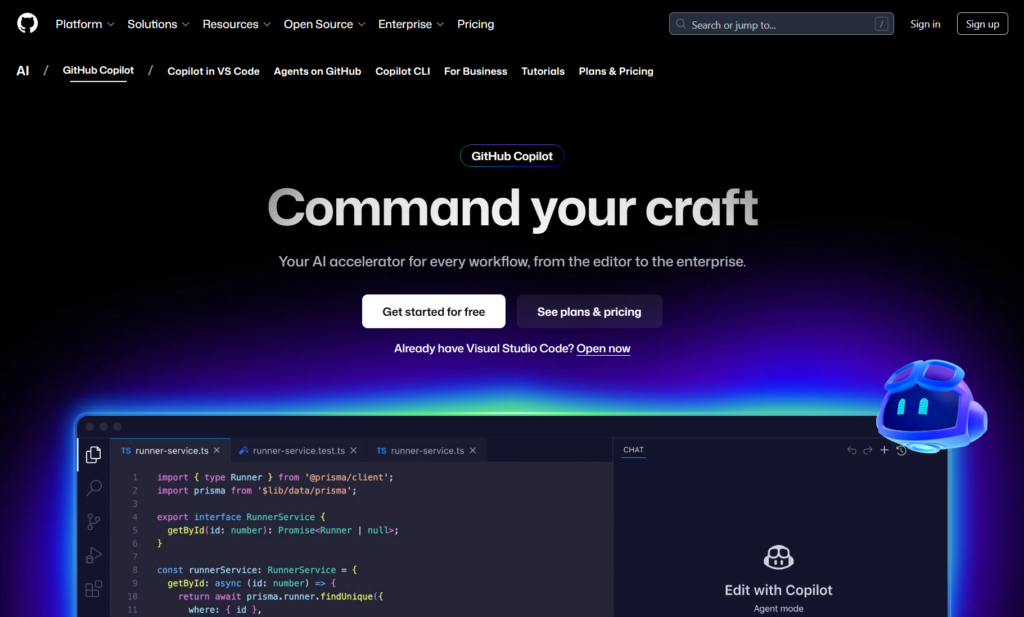
With over 20 million developers using it daily, including most Fortune 100 companies, GitHub Copilot pioneered AI-powered code completion and continues setting the standard for intelligent coding assistance in 2026.
Why Developers Trust Copilot
GitHub Copilot’s deep integration with the world’s largest code repository gives it unmatched training data and contextual understanding. Backed by Microsoft and powered by OpenAI’s latest models, Copilot benefits from continuous improvements and the strongest ecosystem support in the industry.
The tool feels like pair programming with an experienced developer who’s available 24/7. As you code, Copilot suggests entire functions, class implementations, test cases, and documentation. Its suggestions are remarkably context-aware, understanding not just the immediate code but your project’s architecture, coding style, and common patterns.
Copilot Chat transforms how developers get unstuck. Instead of searching Stack Overflow or reading documentation, you ask questions directly in your IDE. Copilot explains complex code, suggests optimizations, identifies bugs, and provides implementation guidance, all without leaving your development environment.
Key Features
- Real-Time Code Suggestions: Intelligent autocomplete that predicts entire functions, not just individual lines, adapting to your coding patterns.
- Copilot Chat: Conversational interface for asking coding questions, debugging issues, and receiving implementation guidance directly in your IDE.
- Pull Request Integration: Automatically generates PR descriptions, reviews code changes, and suggests improvements before merging.
- Security Vulnerability Detection: Identifies potential security issues and suggests secure alternatives during code generation.
- Broad Language Support: Excellent performance across Python, JavaScript, TypeScript, Ruby, Go, and dozens of other languages.
Best For
Developers embedded in the GitHub ecosystem, teams wanting enterprise-grade security and IP protection, organizations prioritizing broad IDE support and extensive language coverage, developers seeking the most battle-tested AI assistant.
Pricing
Individual plan at $10/month or $100/year. Business plan at $19/user/month adds organization management, IP indemnity, and priority support. Enterprise plan includes advanced security, compliance, and audit features.
The Ecosystem Advantage
Copilot’s integration across Microsoft’s development stack—from VS Code to Azure DevOps to GitHub Actions—creates seamless workflows unavailable with standalone tools. For teams already using GitHub, Copilot becomes an obvious choice requiring minimal setup and zero workflow disruption.
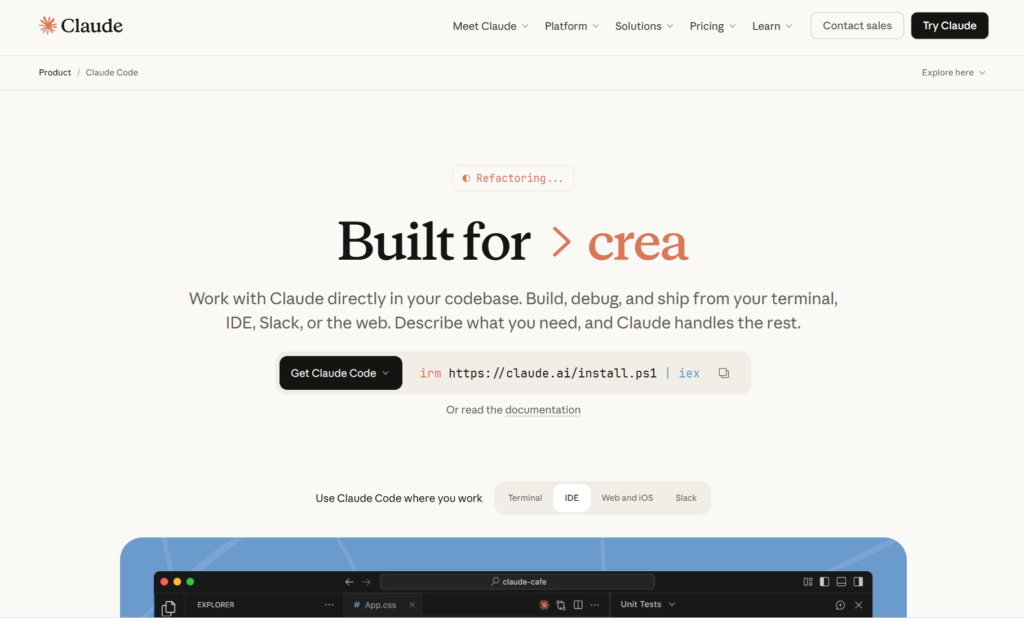
5. Claude Code: Terminal-First AI Agent for Power Users
Claude Code by Anthropic takes a radically different approach to AI coding assistance. Instead of IDE integration, it lives entirely in your terminal, giving developers complete control over how AI interacts with their codebase.
The Terminal-Native Philosophy
For developers who live in the command line, Claude Code feels like a natural extension of their workflow. It operates as a conversational agent you interact with through text commands, making it perfect for remote development, headless servers, and environments where GUI tools aren’t practical.
Claude Code’s strength lies in its deep codebase understanding. Using agentic search capabilities, it can map entire projects, understand architectural patterns, and execute complex operations across multiple directories without requiring manual file selection.
The tool excels at tasks that span beyond traditional IDEs—automating deployment workflows, orchestrating database migrations, coordinating microservices, executing test suites across environments, and integrating with CI/CD pipelines.
Key Features
- Full Codebase Context: Autonomously navigates and understands project structure without manual configuration or file indexing.
- Natural Language Commands: Execute complex operations through conversational instructions like “refactor authentication to use JWT” or “add pagination to all API endpoints.”
- Git Integration: Automatically creates commits with meaningful messages, manages branches, and handles version control operations.
- Cross-Environment Execution: Run tasks across development, staging, and production environments from a unified interface.
- MCP Server Support: Connect to APIs, databases, and external services through the Model Context Protocol for expanded capabilities.
Best For
Terminal-focused developers, DevOps engineers automating deployment workflows, teams working on remote servers or cloud environments, power users who prefer command-line interfaces over graphical tools.
Pricing
Included with Claude Pro subscription at $20/month or Claude Team at $30/user/month. Enterprise pricing available for organizations requiring dedicated support and advanced features.
Why It Matters
Claude Code represents AI coding assistance for developers who never wanted to leave the terminal. Its flexibility for scripting, automation, and system-level operations makes it invaluable for backend engineers, SREs, and infrastructure specialists.
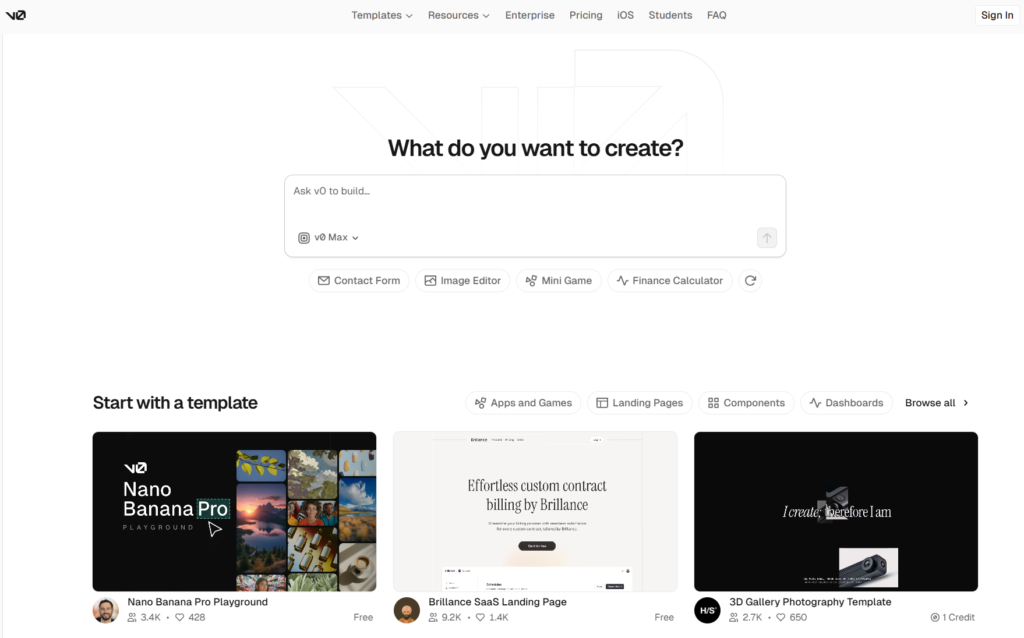
6. v0 by Vercel: Rapid React Component Generation
v0 specializes in one thing and does it exceptionally well: transforming descriptions and designs into production-ready React components. For frontend developers and designers working in the Next.js ecosystem, it’s become an indispensable prototyping tool.
The Design-to-Code Bridge
v0’s killer feature is its ability to convert visual mockups, Figma designs, or even hand-drawn sketches into clean React code styled with Tailwind CSS. Upload a screenshot of the interface you want, provide natural language instructions, and v0 generates functional components ready for immediate use.
The iterative refinement process feels natural. Generate an initial component, then use conversational commands to adjust styling, modify layouts, add interactivity, or change component structure. v0’s Design Mode lets you click elements and make visual adjustments that immediately reflect in the generated code.
Integration with Vercel’s deployment infrastructure means that going from idea to live preview happens in minutes, not hours. The tight coupling with Next.js ensures generated code follows modern best practices and leverages framework-specific optimizations.
Key Features
- Image-to-Code Conversion: Transform Figma designs, screenshots, or sketches into functional React components with Tailwind styling.
- Shadcn UI Integration: Generates code using the popular shadcn component library for consistent, professional aesthetics.
- Interactive Design Mode: Visually inspect and modify generated components with real-time code updates.
- Vercel Deployment: One-click deployment to Vercel’s edge network for instant live previews and production hosting.
- Version History: Track component iterations and revert to previous versions during the refinement process.
Best For
Frontend developers building React applications, design teams wanting direct code generation from mockups, teams implementing shadcn UI design systems, developers needing rapid component prototyping.
Pricing
Free tier with limited credits. The Premium plan, at $20/month, provides unlimited generations and advanced models. Enterprise plan offers team features and custom pricing.
The Frontend Specialist
While v0 focuses exclusively on UI generation without backend capabilities, this specialization makes it exceptionally well-suited for its purpose. For teams building modern web interfaces, v0 accelerates frontend development more effectively than general-purpose tools attempting to do everything.
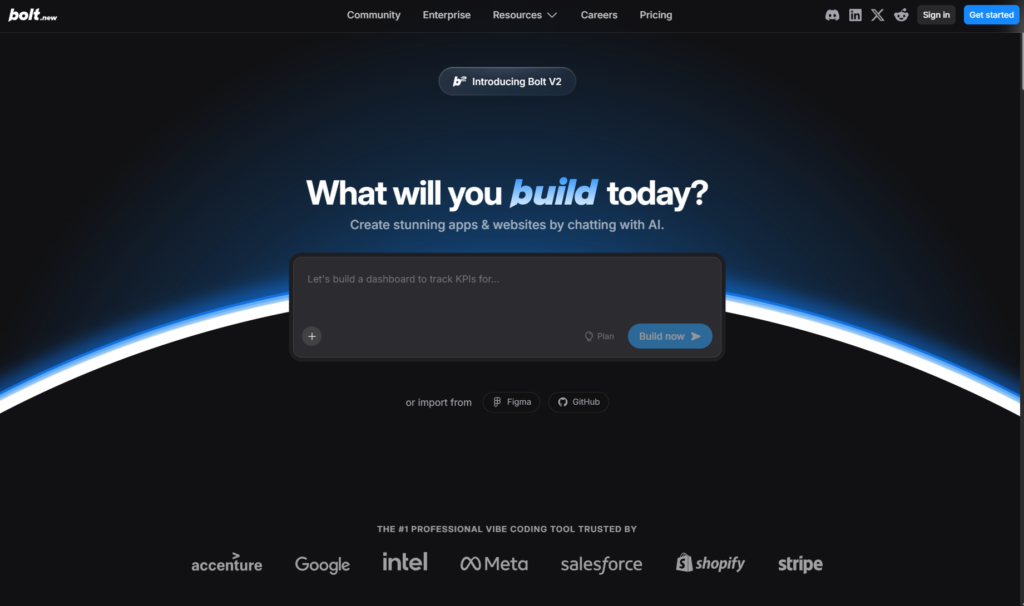
7. Bolt.new: Full-Stack Web Applications in Your Browser
Bolt.new by StackBlitz pioneered browser-based AI application building and remains one of the fastest ways to go from idea to working prototype. The entire development environment, code editor, terminal, preview, and deployment, lives in your browser without any local setup required.
The Zero-Setup Advantage
Bolt’s greatest strength is eliminating all friction between inspiration and implementation. No installing dependencies, configuring environments, or managing local development servers. Open your browser, describe what you want to build, and start coding immediately.
The AI generates complete full-stack applications including frontend UI, backend APIs, database schemas, authentication systems, and deployment configurations. This comprehensive approach means you get functioning applications, not just disconnected code snippets requiring significant additional work.
Bolt’s real-time preview updates as AI generates code, letting you see functionality emerge live. This instant feedback loop accelerates iteration—you immediately spot issues, suggest improvements, and refine functionality without waiting for builds or deployments.
Key Features
- Complete In-Browser Environment: Code editor, terminal, package manager, and preview all accessible through your web browser.
- Full-Stack Generation: Creates frontend, backend, database, and deployment configuration from natural language descriptions.
- Real-Time Code Execution: Live preview updates as code generates, providing instant visual feedback during development.
- Easy Deployment: One-click deployment to Vercel, Netlify, or other platforms directly from the browser environment.
- Collaboration Features: Share projects via URL, enabling real-time collaboration without complex setup.
Best For
Rapid prototyping and MVPs, beginners learning web development, freelancers building client projects quickly, teams validating product concepts before substantial investment.
Pricing
Free tier allows basic project creation. Pro plan around $20/month provides increased usage limits and advanced features. Be aware of token consumption—complex projects can quickly exhaust credits.
The Speed Trade-Off
Bolt prioritizes speed over customization. While you can generate applications incredibly fast, you have less control compared to traditional development environments. This makes it perfect for initial prototypes, but many teams transition to more robust tools for production development.
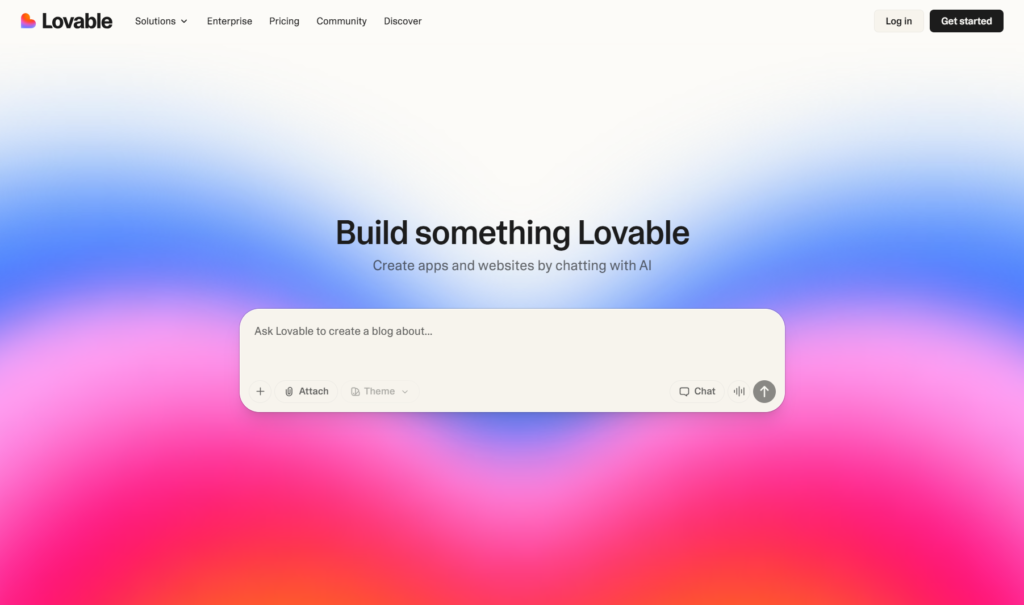
8. Lovable: Full-Stack App Builder for Everyone
Lovable (formerly GPT Engineer) has achieved remarkable success since its relaunch—reaching $20 million annual recurring revenue in just two months, making it the fastest-growing startup in European history. This explosive growth reflects how effectively Lovable democratizes software development.
Building Without Barriers
Lovable’s core philosophy is making app development accessible to absolutely everyone. Describe your application in plain English, and Lovable generates the complete stack—UI components, backend logic, database schemas, authentication, and deployment—all from a single browser tab.
The platform combines visual development with code access. Non-technical users can build entirely through prompts and visual editing. Developers can dive into generated code, make direct modifications, and export projects to local environments for advanced customization.
Lovable Cloud integration with Supabase provides production-ready backend infrastructure. You get database hosting, user authentication, edge functions, secure secrets management, and logging without configuring servers or managing infrastructure.
Key Features
- Prompt-to-App Generation: Describe your application in natural language and receive a complete working prototype within minutes.
- Visual Editing: Modify layouts, styling, and components through an intuitive visual interface without touching code.
- Supabase Backend: Built-in database, authentication, storage, and serverless functions powered by Supabase infrastructure.
- Figma Import: Convert Figma designs directly into functional applications, bridging the design-to-development gap.
- Real-Time Collaboration: Multiple team members can work on the same project simultaneously with live updates.
Best For
Non-technical founders validating business ideas, designers wanting to build functional prototypes, agencies delivering client projects rapidly, startups needing fast MVP development.
Pricing
Free tier for experimentation. Starter plan provides expanded usage. Pro plans offer advanced features, team collaboration, and priority support. Credit-based system—monitor usage to avoid unexpected costs.
The Accessibility Champion
Lovable has achieved something remarkable: making professional-grade app development accessible to people with zero coding experience while remaining powerful enough for experienced developers. This dual-audience approach explains its explosive adoption.
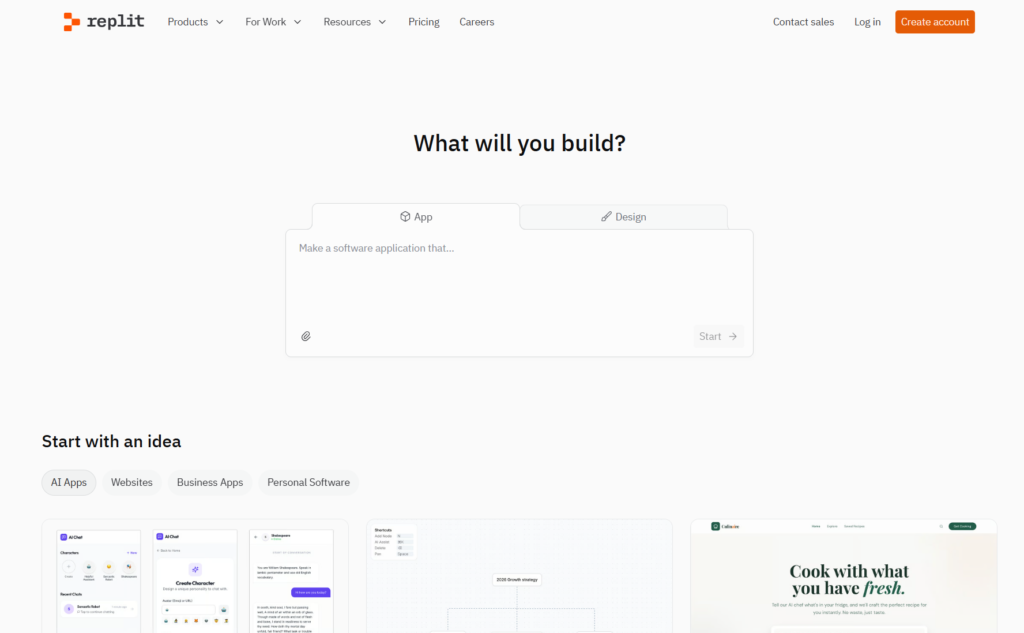
9. Replit: Cloud Development Environment with AI Agents
Replit pioneered browser-based coding environments and has evolved into a comprehensive platform combining cloud IDEs, AI assistance, and instant deployment. With millions of users worldwide, it’s become the go-to environment for learning, prototyping, and collaborative development.
The Complete Development Ecosystem
Replit offers more than just AI code generation. It’s an entire development ecosystem including cloud-hosted environments, collaborative editing, database hosting, deployment infrastructure, and integrated AI assistance called Ghostwriter.
The AI Agent feature transforms Replit from a coding environment into a conversational app builder. Describe your project in natural language, and Replit’s AI generates the complete application—writing code, installing dependencies, configuring databases, running tests, and fixing errors autonomously.
Replit’s multiplayer coding enables real-time collaboration better than any other platform. Multiple developers work in the same environment simultaneously, seeing each other’s changes live. Combined with built-in voice chat and commenting, it creates genuinely collaborative development experiences.
Key Features
- Zero-Setup Environments: Start coding immediately in any language without installing tools or configuring environments.
- Replit AI Agent: Conversational application builder that autonomously creates, tests, and deploys full-stack applications.
- Multiplayer Editing: Real-time collaborative coding with multiple developers working simultaneously in shared environments.
- Integrated Database: PostgreSQL databases are included without separate configuration or hosting requirements.
- Instant Deployment: Publish applications globally with custom domains directly from the development environment.
Best For
Educators teaching programming, students learning to code, teams doing pair programming remotely, developers prototyping quickly, open-source contributors collaborating globally.
Pricing
Free tier supports basic usage. Hacker plan at $7/month provides additional resources. Pro plan at $20/month offers priority support and advanced features. Deployments have separate pricing based on compute resources.
The Educational Leader
Replit’s combination of accessibility, collaboration, and powerful AI makes it the dominant platform for coding education. Its ability to accommodate beginners while supporting professional development sets it apart from tools targeting only one audience.
10. Codeium: Free AI Assistant with Enterprise Privacy
Codeium represents a unique proposition in the vibe coding landscape: enterprise-grade AI assistance available completely free for individual developers, with privacy-focused features rivaling premium competitors.
Privacy Without Compromise
Codeium’s standout feature is offering offline mode and local inference without sacrificing capability. Your code never leaves your machine, making it ideal for working with proprietary codebases, regulated data, or sensitive intellectual property.
The platform supports over 70 programming languages and integrates with virtually every popular IDE—VS Code, JetBrains, Vim, Neovim, Sublime, and even web-based environments. This universal compatibility means you can use Codeium regardless of your preferred development environment.
For enterprises, Codeium offers self-hosted deployments and custom model training on proprietary codebases. Teams can create AI assistants that understand their specific coding patterns, internal frameworks, and domain-specific requirements without sending code to external servers.
Key Features
Completely Free for Individuals: Full-featured AI code completion and chat without subscription costs or usage limits.
70+ Language Support: Comprehensive language coverage including mainstream and niche programming languages.
Offline Functionality: Local inference capabilities keep your code entirely on your machine.
Universal IDE Integration: Works with virtually every popular development environment through native plugins.
Enterprise Self-Hosting: Deploy Codeium on your infrastructure with custom model training for enhanced privacy.
Best For
Freelancers and indie developers seeking cost-effective AI assistance, students learning programming, companies with strict data governance requirements, teams working in air-gapped or secure environments.
Pricing
Free for individual developers with no feature limitations. Teams and enterprise plans add collaboration features, self-hosting, and custom model training starting at $35/user/month.
The Value Proposition
Codeium proves AI coding assistance doesn’t require expensive subscriptions. Its combination of zero cost, strong privacy controls, and comprehensive feature set makes it accessible to developers who might otherwise avoid AI tools due to budget or security concerns.
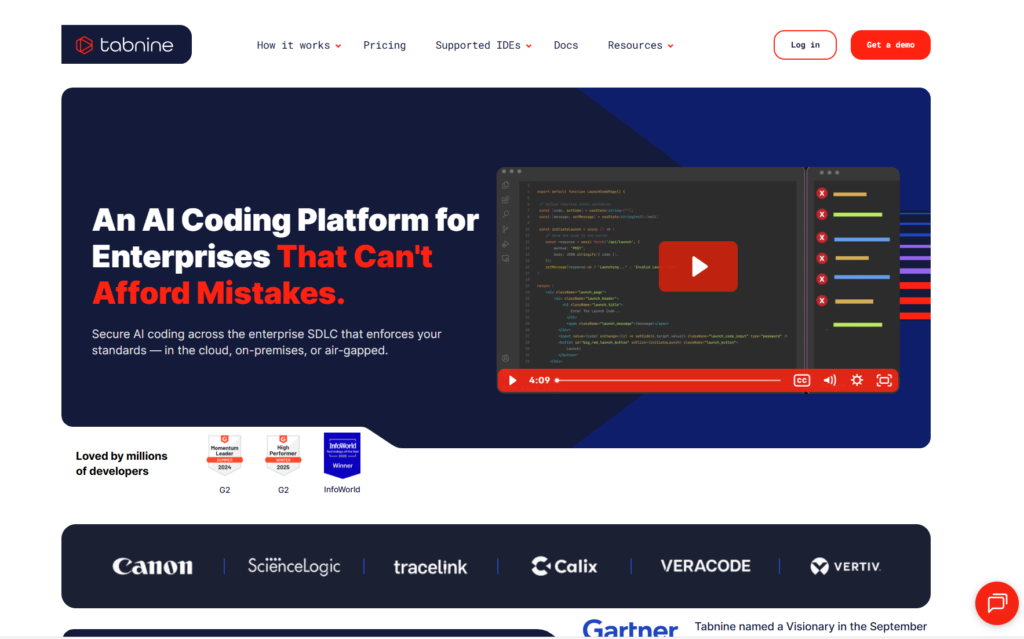
11. Tabnine: Privacy-First AI for Regulated Industries
Tabnine has carved out a distinctive position as the privacy-first AI coding assistant specifically engineered for highly regulated industries and organizations with strict data governance requirements.
Security and Compliance First
Tabnine’s entire architecture prioritizes data sovereignty. It offers fully self-hosted deployments running entirely on your infrastructure, no code ever touches external servers. This makes it suitable for financial services, healthcare, government agencies, and any organization handling sensitive data.
The platform uses smaller, language-specific AI models rather than monolithic general-purpose models. This design enables faster performance with lower latency while maintaining strong security boundaries. Each model specializes in specific programming languages, delivering more relevant suggestions for your tech stack.
Tabnine can train custom models on your private codebase, learning your team’s coding patterns, internal libraries, and domain-specific conventions. This personalization happens entirely within your environment, ensuring proprietary knowledge never leaves your organization.
Key Features
- Self-Hosted Deployment: Run Tabnine entirely on your infrastructure with zero external data transmission.
- Custom Model Training: Train AI models on your proprietary codebase for personalized, relevant suggestions.
- SOC 2 Compliance: Enterprise-grade security certifications suitable for regulated industries.
- 30+ Language Support: Broad programming language coverage for diverse technology stacks.
- Code Privacy Guarantees: Never trains on customer code, never retains code snippets, complete data isolation.
Best For
Financial services firms handling sensitive financial data, healthcare organizations subject to HIPAA regulations, government agencies with classified codebases, enterprises prioritizing complete control over intellectual property.
Pricing
Free tier with basic features. Pro plan at $12/user/month provides advanced capabilities. Enterprise plan offers custom pricing with self-hosting, dedicated support, and compliance features.
Why Privacy Matters
For organizations in regulated industries, the cost of data breaches or compliance violations far exceeds potential productivity gains. Tabnine acknowledges this reality, building a product where security isn’t an afterthought but the primary design consideration.
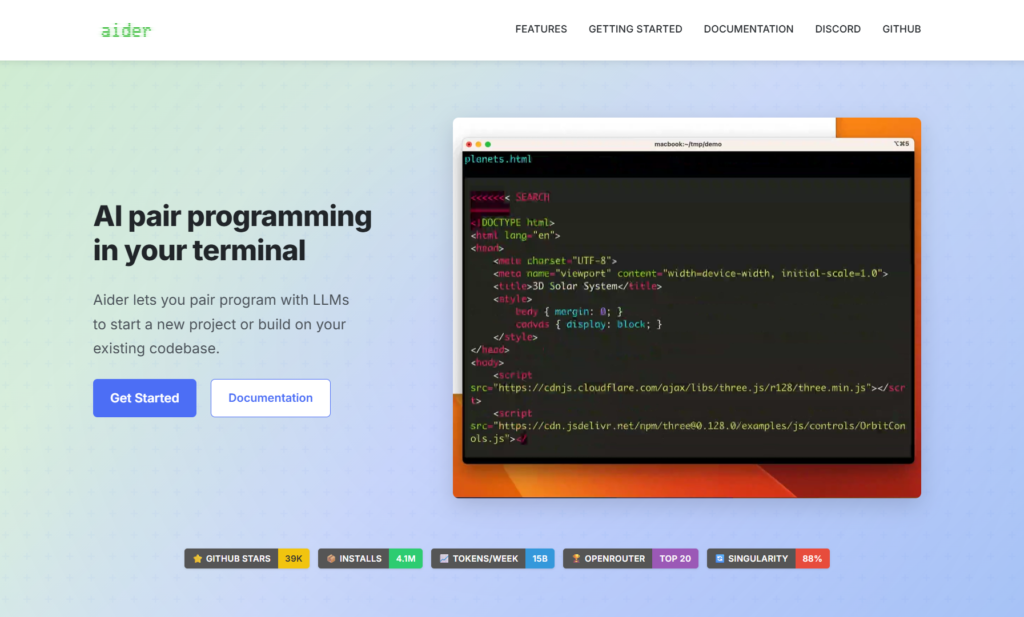
12. Aider: Open-Source CLI Agent for Git Workflows
Aider takes a minimalist, developer-centric approach to AI coding assistance. Operating entirely through the command line, it seamlessly integrates with Git workflows and feels like a natural extension of traditional development practices.
Command-Line Simplicity
Aider eschews graphical interfaces in favor of straightforward terminal commands. Type aider <files>, describe your changes, and watch as it modifies your code, creates commits with meaningful messages, and handles Git operations automatically.
The tool excels at multi-file editing, understanding how changes propagate across your codebase. When you request a feature spanning multiple components, Aider identifies relevant files, makes coordinated changes, and ensures consistency throughout your project.
Being open-source and locally executed, Aider gives you complete control. You choose which AI models to use (GPT-4, Claude, or local models), how your code is processed, and whether data leaves your machine. There are no subscription fees or usage limits beyond your AI API costs.
Key Features
- Git-Native Integration: Automatic commit creation with intelligent messages, branch management, and version control operations.
- Multi-File Coordination: Simultaneous editing across multiple files with dependency awareness and consistent changes.
- Model Flexibility: Use any LLM provider, OpenAI, Anthropic, local models, or custom implementations.
- Voice Coding Support: Experimental voice input for hands-free coding assistance.
- Completely Free: Open-source with no subscription costs—pay only for AI API usage you control.
Best For
Developers comfortable with command-line tools, teams integrating AI into existing Git workflows, privacy-conscious developers wanting local AI assistance, power users preferring minimal interfaces.
Pricing
Free open-source software. You provide your own AI API keys and pay directly for token usage at provider rates.
The Developer’s Developer Tool
Aider respects traditional development workflows rather than trying to replace them. It augments existing practices without forcing major changes, making adoption feel natural rather than disruptive.
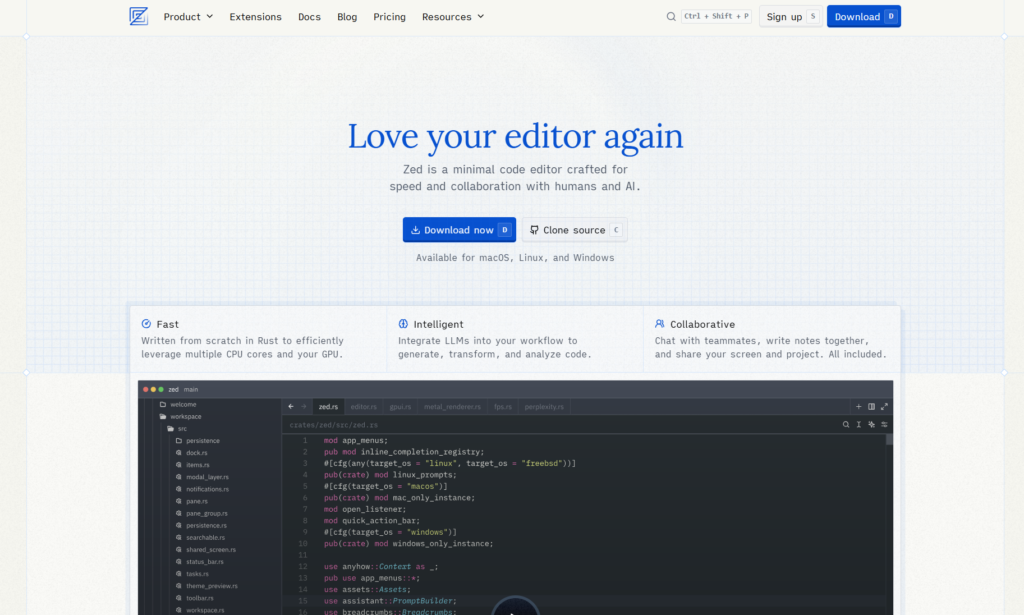
13. Zed.dev: High-Performance Editor for Flow States
Zed.dev represents a back-to-basics approach: a blindingly fast, minimalist code editor engineered specifically to maintain developer flow states. Written in Rust for maximum performance, Zed removes every friction point that interrupts focused coding.
Speed and Simplicity
Zed’s core philosophy is eliminating lag. Every interaction—opening files, searching codebases, switching tabs, rendering syntax, happens instantaneously even in massive projects. This responsiveness keeps you immersed in your work without frustrating delays breaking concentration.
The minimalist interface deliberately avoids cluttered toolbars, excessive plugins, and visual distractions. What remains is clean typography, thoughtful color schemes, and carefully designed layouts, reducing cognitive load. Your brain focuses on code logic rather than parsing busy interfaces.
Real-time multiplayer collaboration is built into Zed’s foundation rather than added as an afterthought. Multiple developers code together with zero lag, see each other’s cursors, share selections, and communicate through integrated voice chat—all while maintaining Zed’s trademark performance.
Key Features
- Rust-Powered Performance: Exceptional responsiveness even with large codebases and complex projects.
- Minimalist Interface: Deliberately simple design eliminating distractions and reducing cognitive overhead.
- Native Multiplayer: Built-in real-time collaboration with cursor sharing and integrated voice communication.
- AI Integration: Clean AI assistance through extensions without sacrificing the minimalist philosophy.
- Open Source: Community-driven development with a transparent roadmap and an active contributor ecosystem.
Best For
Developers prioritizing speed and performance, teams doing extensive pair programming, open-source contributors needing real-time collaboration, and developers sensitive to interface clutter and lag.
Pricing
Completely free as open-source software. Optional premium features and collaboration hosting available for teams requiring advanced functionality.
The Performance Champion
In an era of increasingly bloated development tools, Zed proves that speed and simplicity remain valuable. Its laser focus on performance and flow states attracts developers tired of waiting for sluggish editors to catch up with their thinking.
14. Base44: Enterprise Vibe Coding with Governance
Base44 specifically targets enterprise organizations requiring sophisticated AI capabilities combined with strong governance controls, compliance features, and architectural guardrails.
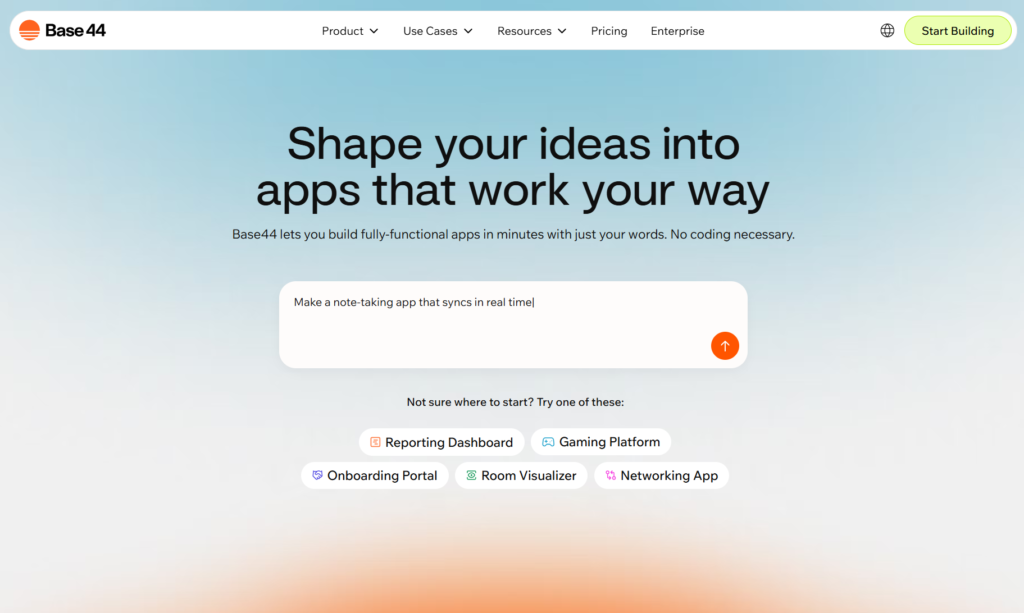
Enterprise-Grade Structure
Base44 differentiates itself through features designed for professional software development at scale. Instead of generating quick prototypes, it produces organized, maintainable code following enterprise architecture patterns and coding standards.
The platform provides extensive governance controls. Administrators define coding conventions, architectural patterns, security requirements, and quality standards that AI must follow. This ensures generated code meets organizational requirements rather than requiring extensive refactoring.
Base44’s AI understands complex business domains. Whether building financial applications, healthcare systems, or enterprise resource planning tools, it generates code respecting industry-specific regulations, compliance requirements, and domain logic.
Key Features
- Governance Controls: Define and enforce coding standards, architectural patterns, and compliance requirements across all AI-generated code.
- Enterprise Architecture Support: Generate code following microservices patterns, domain-driven design, and other enterprise architectural approaches.
- Compliance Features: Built-in support for GDPR, HIPAA, SOC 2, and industry-specific regulatory requirements.
- Team Collaboration: Advanced features for large development teams including code review, approval workflows, and audit trails.
- Quality Assurance: Automated testing generation, security scanning, and performance optimization for production-ready code.
Best For
Large enterprises with complex codebases, regulated industries requiring compliance documentation, organizations enforcing strict coding standards, development teams building mission-critical applications.
Pricing
Enterprise-focused pricing with custom quotes based on team size, features, and support requirements. Generally targets mid-market to enterprise organizations rather than individual developers.
The Professional Choice
Base44 acknowledges that enterprise development involves considerations beyond raw coding speed—governance, maintainability, compliance, and long-term support matter equally. Its feature set reflects these realities.
15. Sourcegraph: Enterprise Code Intelligence
Sourcegraph brings enterprise-grade code intelligence to AI assistance, leveraging Sourcegraph’s powerful code search and analysis infrastructure to provide context-aware suggestions at unprecedented scale.
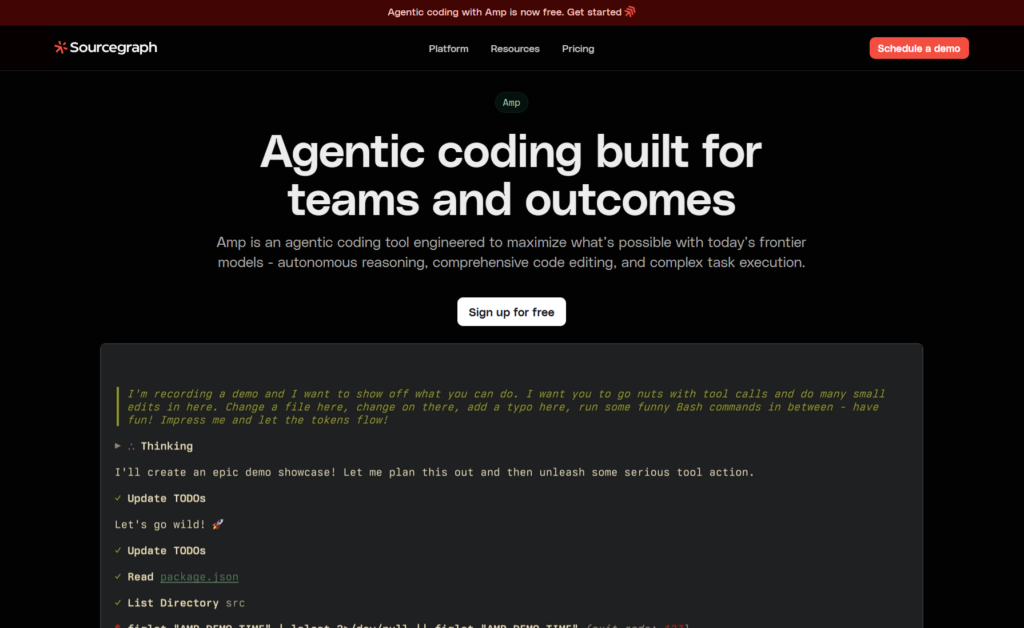
Understanding Massive Codebases
Sourcegraph’s superpower is comprehending enormous codebases that would overwhelm other tools. By leveraging Sourcegraph’s indexing technology, it maintains semantic understanding of millions of lines of code across thousands of repositories.
The platform excels at code discovery and navigation. When implementing features or fixing bugs, Sourcegraph doesn’t just suggest code, it shows you relevant existing implementations, identifies reusable components, and surfaces architectural patterns already present in your codebase.
For open-source maintainers and large development organizations, Cody provides insights impossible with traditional tools. It tracks how code evolves, identifies technical debt accumulation, suggests refactoring opportunities, and helps maintain consistency across massive distributed codebases.
Key Features
- Massive Codebase Support: Indexes and understands codebases spanning millions of lines across multiple repositories.
- Semantic Code Search: Find code by meaning and intent rather than just text matching.
- Architecture Awareness: Understands system-wide patterns, dependencies, and architectural decisions.
- Open Source Support: Particularly strong support for maintaining large open-source projects.
- Enterprise Security: SOC 2 certified with comprehensive audit logging and access controls.
Best For
Organizations maintaining large codebases, open-source project maintainers, enterprises with microservices architectures, development teams working across multiple repositories.
Pricing
Free tier for individual developers. Team plan at $9/user/month. Enterprise plan with custom pricing provides advanced security, compliance, and on-premises deployment.
The Scale Specialist
Most AI coding tools struggle once codebases exceed certain complexity thresholds. Cody’s architecture specifically addresses this limitation, making it invaluable for organizations operating at scale.
16. Amazon Q Developer: AWS-Native AI Coding
Amazon Q Developer (formerly CodeWhisperer) provides AI coding assistance specifically optimized for AWS development. If your infrastructure lives in Amazon’s cloud, Q Developer offers unmatched integration and AWS-specific intelligence.
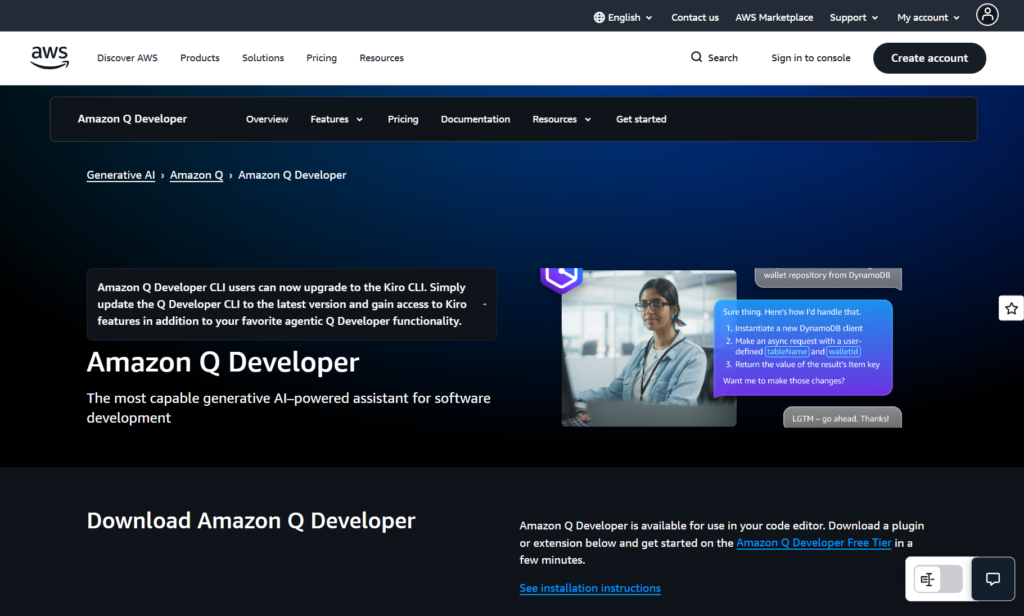
The AWS Advantage
Q Developer understands AWS services deeply. When building Lambda functions, configuring S3 buckets, setting up RDS databases, or orchestrating Step Functions, it provides context-aware suggestions leveraging AWS best practices and current service capabilities.
The tool identifies security vulnerabilities specific to cloud infrastructure—exposed credentials, overly permissive IAM policies, insecure configurations, and compliance violations. This security-first approach helps prevent costly cloud security incidents.
Integration across AWS’s developer toolchain creates seamless workflows. Q Developer works within CodeCommit, enhances CodePipeline, supports CodeBuild, and integrates with CloudFormation—providing consistent AI assistance throughout your AWS development lifecycle.
Key Features
- AWS Service Expertise: Deep understanding of AWS infrastructure, services, and best practices.
- Security Scanning: Identifies cloud-specific vulnerabilities and compliance issues in real-time.
- CloudFormation Generation: Automatically creates infrastructure-as-code templates for AWS resources.
- Lambda Function Creation: Generates optimized serverless functions with proper error handling and AWS SDK usage.
- Cost Optimization: Suggests more efficient AWS resource configurations to reduce cloud spending.
Best For
Teams building on AWS infrastructure, serverless application developers, DevOps engineers managing AWS resources, and organizations requiring cloud-native development assistance.
Pricing
Free tier for individual developers. Professional plan at $19/user/month adds advanced features. Enterprise plan provides organization-wide deployment and premium support.
The Cloud-Native Choice
If you’re heavily invested in AWS, Q Developer provides value that general-purpose tools cannot match. Its cloud-specific intelligence accelerates development while reducing security risks and infrastructure costs.
17. Gemini Code Assist: Google Cloud Integration
Gemini Code Assist by Google Cloud brings Google’s latest AI models to development workflows, particularly excelling for teams embedded in Google’s ecosystem.
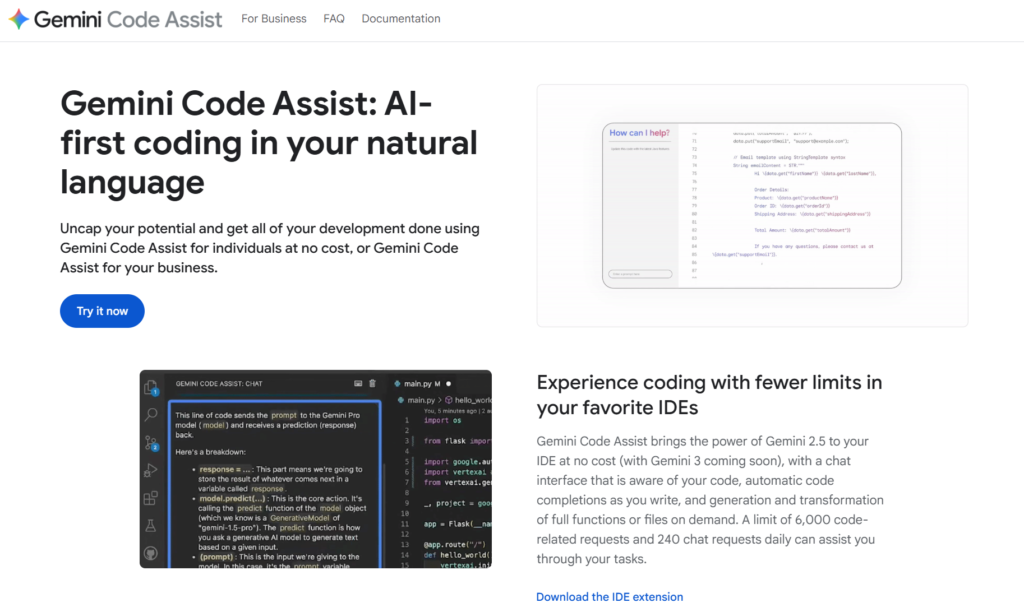
The Google Ecosystem Play
Gemini Code Assist shines when building applications using Google Cloud Platform services. It understands BigQuery, Cloud Functions, App Engine, Cloud Run, and other GCP offerings with native intelligence rivaling Amazon Q Developer for AWS.
The tool integrates seamlessly with Cloud Workstations, providing cloud-hosted development environments with powerful AI assistance. Developers access identical environments regardless of local hardware, enabling consistent experiences across teams.
Gemini’s multimodal capabilities extend beyond pure code generation. It can analyze diagrams, understand data schemas from screenshots, generate visualizations, and work with various content types—creating more flexible development workflows than text-only assistants.
Key Features
- GCP Service Intelligence: Deep understanding of Google Cloud Platform services and best practices.
- Cloud Workstation Integration: Seamless AI assistance in Google’s cloud-hosted development environments.
- Multimodal Capabilities: Process images, diagrams, and other content types beyond pure code.
- BigQuery Optimization: Specialized support for data warehouse queries and analytics workflows.
- Firebase Development: Native support for building mobile and web apps using Firebase services.
Best For
Organizations using Google Cloud Platform, teams building Firebase applications, data engineers working with BigQuery, developers needing multimodal AI capabilities.
Pricing
Integrated with Google Cloud pricing. Usage-based model charges for AI API calls and cloud development resources consumed.
The GCP Native Option
Like Amazon Q Developer for AWS, Gemini Code Assist provides cloud-specific intelligence that general tools lack. For GCP-centric organizations, this specialization delivers substantial value.
18. Continue.dev: Open-Source Customizable AI Assistant
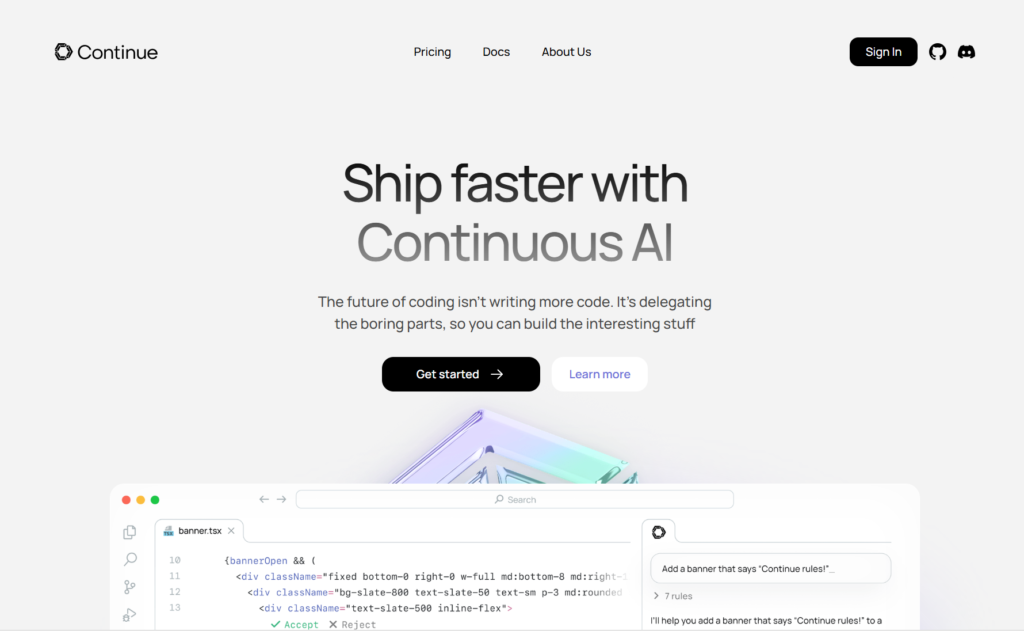
Continue.dev represents the ultimate in customization, a completely open-source AI coding assistant you can modify, extend, and deploy exactly as needed. For developers wanting complete control over their AI tooling, Continue offers unmatched flexibility.
Total Customization Freedom
Continue’s open architecture allows connecting any AI model—OpenAI, Anthropic, local models, or custom implementations. You’re not locked into specific providers or pricing structures. Switch models freely based on performance, cost, or privacy requirements.
The platform supports extensive customization through configuration files and extensions. Define custom prompts, create specialized workflows, integrate internal tools, and build domain-specific features unavailable in commercial products.
Being fully open-source, Continue benefits from community contributions. Developers worldwide add features, fix bugs, create integrations, and share improvements—accelerating innovation beyond what any single company could achieve.
Key Features
- Model Agnostic: Use any AI provider or local model, no vendor lock-in whatsoever.
- Extensive Customization: Modify every aspect through configuration files and extension APIs.
- IDE Integration: Works within VS Code and JetBrains IDEs as a native plugin.
- Context Providers: Connect to documentation, internal APIs, and external knowledge sources.
- Community Driven: Active open-source community contributing features and improvements continuously.
Best For
Developers wanting complete control over AI tooling, teams building custom development workflows, organizations with unique requirements, developers preferring open-source solutions.
Pricing
Completely free as open-source software. You control all costs through your chosen AI provider and infrastructure.
The Customization Champion
Continue acknowledges that one-size-fits-all solutions don’t work for everyone. Its open architecture empowers developers to build exactly the AI coding experience they need rather than accepting limitations of commercial products.
How to Implement Vibe Coding in Your Workflow
Successfully adopting vibe coding tools requires more than installing software. Here’s a practical implementation strategy that maximizes benefits while avoiding common pitfalls:
Start with Small, Contained Projects
Don’t immediately deploy AI tools across your entire codebase. Begin with new features, isolated components, or greenfield projects where mistakes won’t cascade through critical systems. This controlled experimentation lets you understand capabilities and limitations without risking production stability.
Establish Clear Review Processes
AI-generated code still requires human oversight. Implement review practices ensuring every AI suggestion undergoes the same scrutiny as human-written code. Check for security vulnerabilities, verify business logic correctness, assess performance implications, and ensure architectural consistency.
Combine Multiple Tools Strategically
The best workflows often combine several vibe coding tools rather than relying on a single solution. Use Cursor for day-to-day development, Bolt for rapid prototyping, and Aider for command-line operations. Each tool excels at different tasks—leverage their complementary strengths.
Invest in Learning Prompt Engineering
Vibe coding effectiveness directly correlates with prompt quality. Spend time learning how to formulate clear, specific requests. Provide context, specify requirements explicitly, include examples, and iterate based on results. Well-crafted prompts produce dramatically better code.
Maintain Human-in-the-Loop Control
Never blindly accept AI suggestions. Review diffs before committing, understand what code does, verify edge cases, and remain responsible for everything deployed. AI accelerates development but doesn’t eliminate the need for engineering judgment.
Document AI-Assisted Development
Track which code was AI-generated for future reference. When issues arise, knowing code origins helps diagnose problems. Document prompts used, models employed, and any manual modifications made—this transparency aids long-term maintenance.
Balance Speed with Quality
Vibe coding enables extraordinary speed, but rushing creates technical debt. Use AI acceleration wisely—ship faster while maintaining code quality, test coverage, and documentation standards. Speed without quality leads to costly problems later.
Common Vibe Coding Mistakes to Avoid
As vibe coding tools mature, common usage patterns have emerged that undermine their potential. Avoid these pitfalls:
Over-Relying on AI Without Understanding
The most dangerous mistake is treating AI as a magic black box. If you don’t understand generated code, you can’t maintain it, debug it, or extend it. Always ensure you comprehend what AI creates—otherwise you’re building on unstable foundations.
Ignoring Security Implications
AI models train on public code including security vulnerabilities. Never assume generated code is secure by default. Review authentication logic, validate input handling, check access controls, and scan for common vulnerabilities before deployment.
Skipping Test Coverage
AI can generate code quickly, but that speed becomes worthless if broken code reaches production. Write comprehensive tests, verify edge cases, and maintain quality standards regardless of how fast AI generates implementations.
Neglecting Code Reviews
Just because AI wrote code doesn’t mean it’s correct. Implement rigorous code review processes treating AI contributions exactly as you would human-written code. Catch architectural issues, style inconsistencies, and logic errors before they compound.
Failing to Provide Adequate Context
Vague prompts produce mediocre results. Provide comprehensive context—explain your architecture, describe relevant business logic, specify constraints, and include examples. Better context enables better code generation.
Not Tracking Costs
Usage-based pricing can spiral unexpectedly. Monitor token consumption, track credits used, and understand pricing structures. Several vibe coding tools have caught users off-guard with thousand-dollar bills from excessive usage.
Treating AI as Replacement Rather Than Augmentation
AI coding assistants enhance developer capabilities; they don’t replace developers. Maintain your technical skills, stay current with technologies, and view AI as amplifying your expertise rather than substituting for it.
The Future of Vibe Coding: What’s Coming in 2026 and Beyond
The vibe coding revolution is just beginning. Here’s what to expect as these tools continue evolving:
Deeper Multimodal Integration
Future vibe coding tools will seamlessly work with diagrams, wireframes, database schemas, API documentation, and other non-code artifacts. Describe functionality using whatever medium makes sense—sketches, flowcharts, video demonstrations—and AI will generate appropriate implementations.
Improved Long-Term Context Retention
Current tools excel at immediate context but struggle with project history. Coming improvements will enable AI assistants remembering architectural decisions made months ago, understanding why specific approaches were chosen, and maintaining consistency with established patterns throughout project lifetimes.
Enhanced Multi-Agent Workflows
Instead of single AI assistants, expect orchestrated agent teams where specialized AIs handle different aspects—one focused on frontend, another on backend, a third on testing, and a fourth on documentation. These agents will collaborate autonomously while maintaining human oversight.
Tighter DevOps Integration
Vibe coding tools will extend beyond code generation into comprehensive DevOps workflows. AI will configure CI/CD pipelines, manage deployment processes, monitor production systems, analyze performance metrics, and automatically optimize infrastructure based on real-world usage patterns.
Better Code Quality Guarantees
Future models will generate code meeting formal correctness proofs, security guarantees, and performance benchmarks. Rather than probabilistic suggestions requiring manual verification, AI will provide mathematical certainty about specific code properties.
Personalized Developer Experiences
AI assistants will learn your individual coding style, preferred patterns, frequent mistakes, and workflow habits. Over time, suggestions will become increasingly personalized—feeling less like generic tools and more like experienced pair programming partners who know you well.
Frequently Asked Questions About Vibe Coding Tools
Which tool is best for vibe coding?
Emergent.sh is the best overall vibe coding tool in 2026, offering unmatched multi-agent orchestration, self-healing code, full-stack generation including mobile apps, and production-ready output at $20/month. However, the “best” tool depends on your specific needs: Cursor excels for professional developers wanting AI-native IDEs, Windsurf works best for enterprise teams with massive codebases, GitHub Copilot suits teams already using GitHub, and Bolt.new or Lovable are ideal for non-technical founders building MVPs quickly without coding experience.
Are vibe coding tools free?
Yes, several vibe coding tools offer free tiers. Codeium provides completely free AI code completion for individual developers with no feature limitations. GitHub Copilot, Cursor, and Replit offer free trials, while Aider and Continue.dev are open-source and free to use (you only pay for AI API costs). However, most professional vibe coding tools require paid subscriptions ranging from $10 to $40 per month for unlimited usage and advanced features.
What is an example of vibe coding?
A typical vibe coding example is opening Emergent.sh or Cursor, typing “create a user authentication system with email login, password reset, and session management,” and having the AI automatically generate all necessary files including backend routes, database models, frontend forms, validation logic, and security middleware across your codebase. Instead of manually writing hundreds of lines of code, you describe what you need in natural language and the AI implements it within minutes.
What do you need for vibe coding?
To start vibe coding, you need three things: a vibe coding tool (like Emergent.sh, Cursor, GitHub Copilot, or Bolt.new), a basic understanding of what you want to build, and the ability to write clear prompts describing your requirements. Technical beginners can use browser-based tools like Emergent, Lovable or Bolt that require zero setup, while experienced developers typically prefer AI-native IDEs like Cursor or Windsurf that integrate with existing development environments and support multiple programming languages.
Can vibe coding tools replace developers?
No, vibe coding tools cannot replace developers—they augment and accelerate developer capabilities rather than eliminate the need for human expertise. While AI can generate code quickly, developers are still essential for architectural decisions, code review, security validation, business logic verification, debugging complex issues, and maintaining long-term code quality. The most successful development teams in 2026 use vibe coding tools to handle repetitive tasks and boilerplate code while developers focus on problem-solving, system design, and strategic technical decisions.
Final Thoughts: Choosing Your Vibe Coding Stack
The explosion of vibe coding tools represents a fundamental shift in software development. Code is increasingly becoming a commodity, what matters is the problems you solve, the value you create, and the experiences you design.
Choosing the right tools depends entirely on your specific context. Solo founders building MVPs have different needs than enterprise teams maintaining legacy systems. Frontend designers working on UI components face different challenges than backend engineers optimizing database queries.
The good news? You don’t need to pick just one tool. The most effective developers in 2026 combine multiple vibe coding platforms strategically—using Cursor for everyday development, Bolt for rapid prototyping, Claude Code for terminal work, and specialized tools like v0 or Tabnine for specific contexts.
Start your vibe coding journey by experimenting with free tiers. Spend two weeks using different tools for real project work. Pay attention to which feel natural, which integrate smoothly into your workflow, and which consistently produce quality results. Trust your instincts, the best tool is the one you actually enjoy using.
Remember that vibe coding tools amplify developer capabilities rather than replacing them. Technical skills, architectural understanding, problem-solving abilities, and domain knowledge remain crucial. These tools simply remove friction, accelerate implementation, and let you focus on higher-level challenges.
The future of development is collaborative intelligence—humans and AI working together, each contributing their unique strengths. Embrace these tools, integrate them thoughtfully, and focus on building amazing things. The best developers in 2026 aren’t those who resist AI assistance; they’re those who leverage it most effectively to create exceptional software.
Now stop reading and start building. Choose a tool from this list, tackle a project you’ve been postponing, and experience firsthand how vibe coding transforms development. The future of software creation is here—and it’s more accessible, more powerful, and more exciting than ever before.