
If you run paid ads, you already know the painful math. Every click costs money, and a landing page that does not convert turns that money into nothing. That is the problem Instapage was built to solve. It is a platform focused on one job: building and optimizing landing pages that turn ad traffic into leads and sales.
Framer comes at the question from a different direction. It is a design-first website builder that can publish an entire site, from a homepage and blog to individual campaign landing pages, at a fraction of the price.
So when a marketer, founder, or agency owner asks which one is worth the money, the honest answer depends on what you are spending, what you need to measure, and how much specialized tooling you will actually use.
The short answer: choose Framer if you want beautiful landing pages and a complete website on a modest budget, with built-in testing and no per-visitor pricing. Choose Instapage if you spend serious money on paid advertising, need ad-to-page personalization and deep optimization tools, and can justify a premium subscription with traffic limits.
For most small businesses, startups, and creators, Framer delivers far more value per dollar. For performance marketing teams where a one-percent lift is worth thousands, Instapage can earn its price.
This guide compares Instapage and Framer on ease of use, design, conversion tools, testing, integrations, collaboration, traffic limits, and pricing, then helps you work out whether the premium is worth paying.
Instapage vs. Framer: Quick Comparison
| Category | Instapage | Framer |
|---|---|---|
| What it is | A landing page platform built for paid advertising and conversion optimization | A visual website builder with a built-in CMS and hosting |
| Best for | Performance marketers, agencies, and teams running paid campaigns | Startups, creators, agencies, and marketing teams that need full sites and landing pages |
| Can it build a full website? | Not its focus; it is built for landing pages | Yes, with pages, blog, CMS, and localization |
| Design control | Strong, with flexible layouts and reusable blocks | Very high, with pixel-level precision and animation |
| A/B testing | Higher plans only | Available as a built-in feature; check plan details |
| Ad personalization and heatmaps | Higher or enterprise plans | Not a core feature; add through integrations |
| Traffic pricing | Plans capped by monthly unique visitors | Flat plans per site, with usage limits that vary by tier |
| Entry price | Around $79 to $99 per month | Around $10 per month |
| Enterprise tier | Custom, quote-based | Custom |
| Free plan | No; a 14-day trial is offered | Yes |
| Learning curve | Moderate | Moderate |
What Is Instapage?
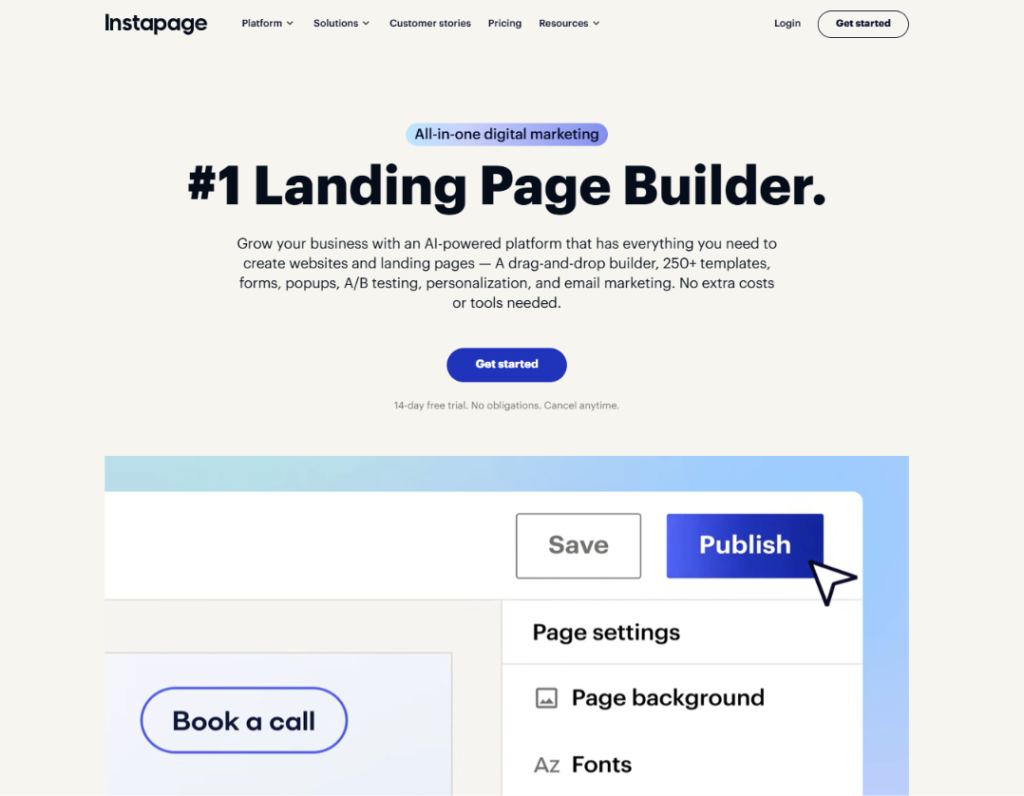
Instapage is a landing page builder aimed at marketers who send paid traffic to dedicated pages. A landing page is a single page designed around one action, such as signing up, booking a demo, or buying a product. Instapage gives you a flexible editor, reusable content blocks, forms, collaboration tools, and analytics focused on conversion rates.
Its signature features include AdMap, which connects individual ads to the landing pages they send traffic to, and server-side A/B testing for comparing page variants. Higher tiers add heatmaps and ad-to-page personalization, which lets you show different versions of a page based on factors such as the campaign or the audience. Instapage also offers an AI content tool and integrations with advertising platforms, CRMs, and email tools.
The platform is built for performance marketing. It is not designed to run your whole website.
What Is Framer?
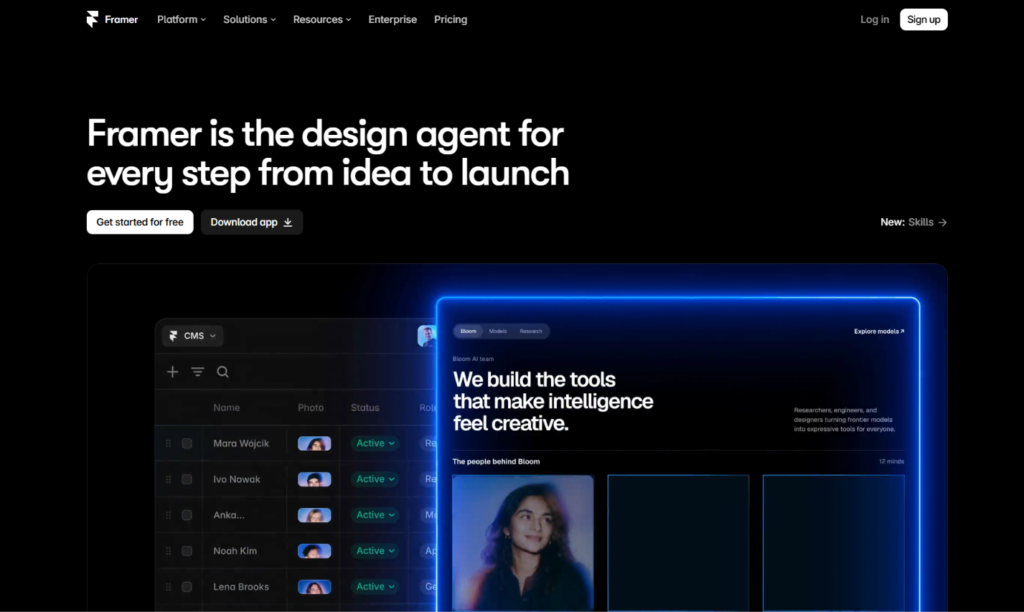
Framer is a visual website builder with a design-tool feel. If you have used Figma, the canvas, frames, stacks, and components will look familiar. You design pages, add animations and interactions, connect a CMS, and publish to a live site without leaving the editor. Hosting, security certificates, and delivery are handled for you.
Its strengths are design control, a built-in toolkit for marketing teams (CMS, localization, redirects, A/B testing), and flexibility for developers who want to add custom code or React components. Framer also includes AI tools that draft pages and layouts for you to refine. It revised its plans in mid-2026, adding AI credits and changing editor pricing, so check current details before you buy.
Because Framer builds whole sites, the landing page for a campaign can sit alongside your homepage, blog, and pricing page in the same project, with the same brand and components.
The Core Difference: A Specialist Tool vs. a General Builder
Think of two kinds of kitchen equipment. Instapage is a precision tool built for one task, like a high-end espresso machine. It does that task extremely well, with controls and features that matter to professionals, and it costs accordingly. Framer is a complete kitchen: it handles many tasks well, looks good, and costs far less, but it does not have every specialized control the espresso machine has.
If you need landing pages tuned for ad performance, with testing, personalization, and campaign-level reporting, the specialist tool has real advantages. If you need a good-looking site that includes landing pages among other things, the all-in-one builder usually wins on value.
The useful question is, “Will I use the specialized features enough to justify the price?”
Ease of Use and Learning Curve
Framer has a moderate learning curve. Concepts like stacks, breakpoints, and component variants take a little time, but designers pick them up quickly, and beginners can start from templates. Because the editor is visual, you can see your changes immediately.
Instapage is also approachable. Marketers can build pages from templates or from scratch, reuse blocks across pages, and manage forms and integrations through a dashboard geared toward campaigns. Some reviewers note that the platform offers full control over design but expects you to build pages manually, so teams without design resources may need more time than they expect.
Verdict: A tie. Both are approachable, and the better fit depends on whether your team thinks like designers or like campaign managers.
Design Quality and Flexibility
Framer gives you fine control over typography, spacing, layout, and motion. You can build scroll animations, hover effects, page transitions, and interactive components without code, then reuse them across the site. Landing pages built in Framer tend to look distinctive and modern, which helps brands stand out from the sea of identical templates.
Instapage gives you flexible layouts and a library of templates and reusable blocks. Its Global Blocks feature lets you edit a section once and update it everywhere, which saves time when you run many campaign pages. Pages are clean and conversion-focused, though they tend to prioritize function over visual flair.
Verdict: Framer for visual polish and brand expression. Instapage for fast, repeatable campaign pages.
Conversion Tools: Testing, Personalization, and Analytics
This is where Instapage justifies its identity.
Instapage offers server-side A/B testing on its Optimize plan, with a dashboard that shows conversion rates, unique visitors, and statistical confidence for each variant. Its AdMap feature ties ads to pages so you can see which campaigns send traffic where.
Higher-tier plans add heatmaps and personalization, letting you show different page versions to different audiences. These tools matter most when you manage many campaigns and want to systematically improve results.
Framer includes A/B testing as part of its marketing toolkit, which is enough for testing headlines, layouts, and calls to action on a typical site. It does not offer the same depth of ad-to-page mapping, built-in heatmaps, or audience personalization. You can fill gaps with third-party tools such as analytics platforms, heatmap services, and tag managers, though doing so adds cost and setup.
Verdict: Instapage, for advanced conversion optimization. Framer, for solid testing at a much lower cost.
Forms, Integrations, and Lead Capture
Instapage is designed around lead capture. It offers form tools, multi-step forms on higher plans, and integrations with major advertising platforms, CRMs, email services, and analytics tools. For teams that need leads to flow directly into a sales system, that connectivity is a core strength.
Framer includes forms and connects to popular tools through plugins, embeds, and custom code. For many businesses, connecting a form to an email service, a CRM, or a spreadsheet takes a few minutes. Highly specialized advertising integrations may require extra setup or an automation tool.
Verdict: Instapage for ad-platform and CRM depth. Framer for flexible, simple lead capture.
Beyond Landing Pages: Building a Full Website
Framer has a clear advantage here.
Instapage is built for landing pages. You can create many of them, but it is not meant to host a blog, a content library, or a multi-section company website. Most Instapage customers run their main website somewhere else and use Instapage for campaign pages.
Framer lets you do both in one place. You can build your homepage, pricing page, blog with a CMS, localized versions, and campaign landing pages, all sharing the same design system. That reduces the number of tools you pay for and keeps your branding consistent.
Verdict: Framer, clearly, for anyone who needs more than landing pages.
SEO and Performance
Google does not favor a site because of the tool that built it. It rewards crawlable, fast, mobile-friendly pages with helpful, original content. For paid campaign pages, SEO often matters less than conversion rate, since the traffic comes from ads. For the rest of your site, it matters a great deal.
Framer gives you direct control over page titles, meta descriptions, clean URLs, headings, alt text, redirects, sitemaps, and structured data through custom code. It publishes pages on a lean foundation that helps with Core Web Vitals. Page speed also affects ad performance, because slow pages lose visitors before they convert and can affect ad quality scores.
Instapage emphasizes fast-loading, conversion-focused pages, and reviewers describe load times as a strength. Landing pages that are meant for ads are often kept out of search results on purpose, which is a normal practice.
Verdict: A tie for campaign pages. Framer for SEO across a full website.
Collaboration and Team Workflows
Instapage includes collaboration features aimed at marketing teams and agencies, such as shared workspaces, commenting, and reusable blocks. Higher plans support multiple workspaces, which helps agencies manage several clients.
Framer supports real-time collaboration, comments, and quick publishing, which suits small teams of designers, marketers, and developers. Extra editors are billed separately from site plans.
Verdict: A tie. Instapage is tuned for agencies managing campaigns. Framer is tuned for design teams.
Traffic Limits and Scalability
This section matters more than most buyers realize.
Instapage prices its plans by monthly unique visitors. Published figures put the entry plan at around 15,000 visitors per month, the Optimize plan at around 30,000, and a larger Optimize tier at around 50,000, with custom volumes on Convert. If your campaigns bring more traffic than your plan allows, you will need to upgrade. For a business running serious ad spend, that limit can arrive quickly.
Framer does not price by unique visitors. Its plans carry limits on things like bandwidth and CMS content that vary by tier, so a popular page does not push you into a higher price bracket the way a visitor cap does. Check the current limits for your expected traffic before you commit.
Verdict: Framer for predictable costs as traffic grows. Instapage for teams that treat the traffic cap as a cost of doing business.
Pricing: Instapage vs. Framer
Both companies change plans often, and third-party sources disagree on some figures, so treat the numbers below as approximate and confirm them on each official pricing page.
Instapage pricing
Based on pricing guides from mid-2026:
- Create (entry plan): About $99 per month, or around $79 per month billed annually, with roughly 15,000 visitors per month. A/B testing is not included.
- Optimize: About $199 per month, or around $159 per month billed annually, with roughly 30,000 visitors per month and server-side A/B testing.
- Optimize (larger volume): Around $299 per month, or about $239 per month billed annually, for roughly 50,000 visitors.
- Convert: Custom, quote-based pricing for enterprise needs, including heatmaps and ad-to-page personalization. Third-party estimates run into the thousands of dollars per year.
A 14-day free trial is available on the Create and Optimize plans, while Convert is demo-only. There is no permanent free plan.
Framer pricing
- Free: A framer.website subdomain with a Framer badge.
- Basic: Around $10 per month per site, billed annually.
- Pro: Around $30 per month per site, billed annually.
- Enterprise: Custom pricing.
Framer charges per site, and extra editors are billed on top. Hosting and the CMS are included.
The price gap in real numbers
Over a year, Instapage Optimize on annual billing runs about $1,900, based on the $159 monthly rate. A Framer Pro site runs about $360 a year. Even with an extra editor seat and a few third-party tools, Framer usually costs a small fraction of Instapage. For a business that needs one or two good landing pages, that difference is hard to justify with specialized features alone.
When the premium pays for itself
A simple illustration shows how to think about it. Suppose you spend $10,000 a month on ads. If better testing and personalization lift your landing page conversion rate by 10 percent, you get about 10 percent more leads for the same spend. That is roughly equal to saving about $900 a month, which covers an Optimize plan comfortably. At $1,000 a month in ad spend, the same lift is worth about $90 a month, and the premium does not pay off.
This is only an illustration, and real results vary. But it captures the key rule: specialized conversion tools make sense when your ad spend is large enough that small improvements are worth more than the subscription.
Verdict: Framer for value. Instapage when your ad budget is big enough to make a conversion lift worth thousands.
Limitations to Know Before You Choose
Framer limitations
- Less advanced ad-to-page mapping, heatmaps, and personalization
- No native e-commerce
- No code export, so your site stays on Framer’s platform
- Editors are billed separately
Instapage limitations
- High price compared with general website builders
- Monthly visitor caps on every plan
- A/B testing not included on the entry plan
- Heatmaps and personalization locked behind a quote-based tier
- Built for landing pages, not whole websites
- No permanent free plan
Can You Use Instapage and Framer Together?
Yes, and some teams do. Use Framer for your main website, blog, and brand pages, where design, content, and SEO matter. Use Instapage for high-spend paid campaigns that need advanced testing and personalization. Keep branding consistent across both, connect your analytics so you can follow visitors from ad to purchase, and set up the two on separate subdomains or paths if needed.
For many small teams, this is unnecessary. If Framer’s built-in testing covers your needs, one tool is simpler and cheaper.
Who Should Choose Framer?
Framer is the better choice if you:
- Need a full website plus landing pages in one place
- Care about distinctive design and brand consistency
- Run modest ad budgets or rely on organic traffic
- Want predictable pricing without per-visitor caps
- Want a built-in CMS and strong SEO controls
- Prefer to keep costs low and add specialized tools only when needed
Who Should Choose Instapage?
Instapage is the better choice if you:
- Spend heavily on paid advertising and need every conversion to count
- Manage many campaigns, clients, or ad variations
- Want ad-to-page mapping and personalization
- Need advanced testing and conversion reporting
- Have a budget that makes a premium tool worthwhile
- Already run your main website elsewhere
Real-World Scenarios
A startup launching a product with a small ad budget. Framer. You get a polished landing page and a full site for a low monthly price.
A performance marketing agency running dozens of client campaigns. Instapage. Workspaces, reusable blocks, and testing tools fit the workflow.
A freelance consultant who needs a website and one lead-generation page. Framer. One tool covers both.
An e-commerce brand spending $50,000 a month on ads. Instapage, or a similar specialist. A small conversion lift justifies the cost.
A SaaS company that wants a marketing site and a blog. Framer. The CMS and SEO tools matter more than ad-specific features.
A nonprofit running a donation campaign on a tight budget. Framer. The savings can go toward the campaign itself.
How to Decide: A Short Checklist
- How much do you spend on ads each month? Under a few thousand dollars points to Framer. Tens of thousands point toward Instapage.
- Do you need a full website, not just landing pages? If yes, lean Framer.
- Will you use heatmaps, personalization, or ad mapping? If yes, lean Instapage.
- How much traffic do you expect? If it will exceed Instapage’s caps, factor in the higher tiers.
- Is design distinctiveness important? If yes, lean Framer.
Try Framer’s free plan and a 14-day Instapage trial. Build the same landing page in both, run a small test, and compare the results and the workflow.
Frequently Asked Questions
Is Instapage worth it in 2026?
It can be, if you run substantial paid campaigns and will use its testing, ad mapping, and personalization features. For small budgets or simple sites, it is usually too expensive for what you get.
Is Framer better than Instapage?
Framer is better for design quality, full-site building, and value. Instapage is better for advanced landing page optimization and ad-focused workflows.
Can Framer build landing pages?
Yes. Framer is well suited to landing pages, and you can build them alongside the rest of your website using the same design system.
Does Framer have A/B testing?
Yes. Framer includes A/B testing as part of its marketing features. Check your plan to confirm availability and limits.
How much does Instapage cost?
Reported pricing starts at around $79 to $99 per month for the entry plan and around $159 to $199 per month for Optimize, with larger tiers and custom enterprise pricing above that. Confirm current prices on Instapage’s website.
Does Instapage have a free plan?
No. Instapage offers a 14-day free trial on its Create and Optimize plans, but no permanent free plan.
Does Framer have a free plan?
Yes. You can publish on a framer.website subdomain for free. Paid plans add a custom domain and higher limits.
What happens if I exceed my Instapage visitor limit?
You will generally need to move to a higher-volume plan. Check Instapage’s current terms for how overages are handled.
Is Instapage good for SEO?
Instapage focuses on paid traffic and conversion. Landing pages for ads are often kept out of search results on purpose. For SEO across a full website, a builder with a CMS, such as Framer, is a better fit.
Can I use Instapage for my whole website?
It is not designed for that. Most customers use it for landing pages and run their main site on another platform.
What are the best alternatives to Instapage and Framer?
For Instapage, common alternatives include Unbounce, Leadpages, Landingi, and ClickFunnels. For Framer, alternatives include Webflow, Wix, and Squarespace.
Final Verdict: Instapage or Framer?
The right answer comes down to how much each conversion is worth to you.
Choose Framer if you want a beautiful, fast website with landing pages included, a built-in CMS, built-in testing, and predictable pricing that does not depend on your visitor count. It is the better value for most small businesses, startups, creators, and teams that run modest or moderate ad budgets.
Choose Instapage if paid advertising is a major part of your business, your spend is large enough that small conversion gains are worth thousands, and you will use its testing, ad mapping, and personalization every week. For those teams, the premium is an investment in efficiency.
If you are unsure, start with Framer. It costs a fraction as much, it covers most landing page needs, and you can add a specialist tool later if your ad spend and testing needs outgrow it. Features, plans, and prices change often, so confirm the details on each company’s official pages before you commit.
